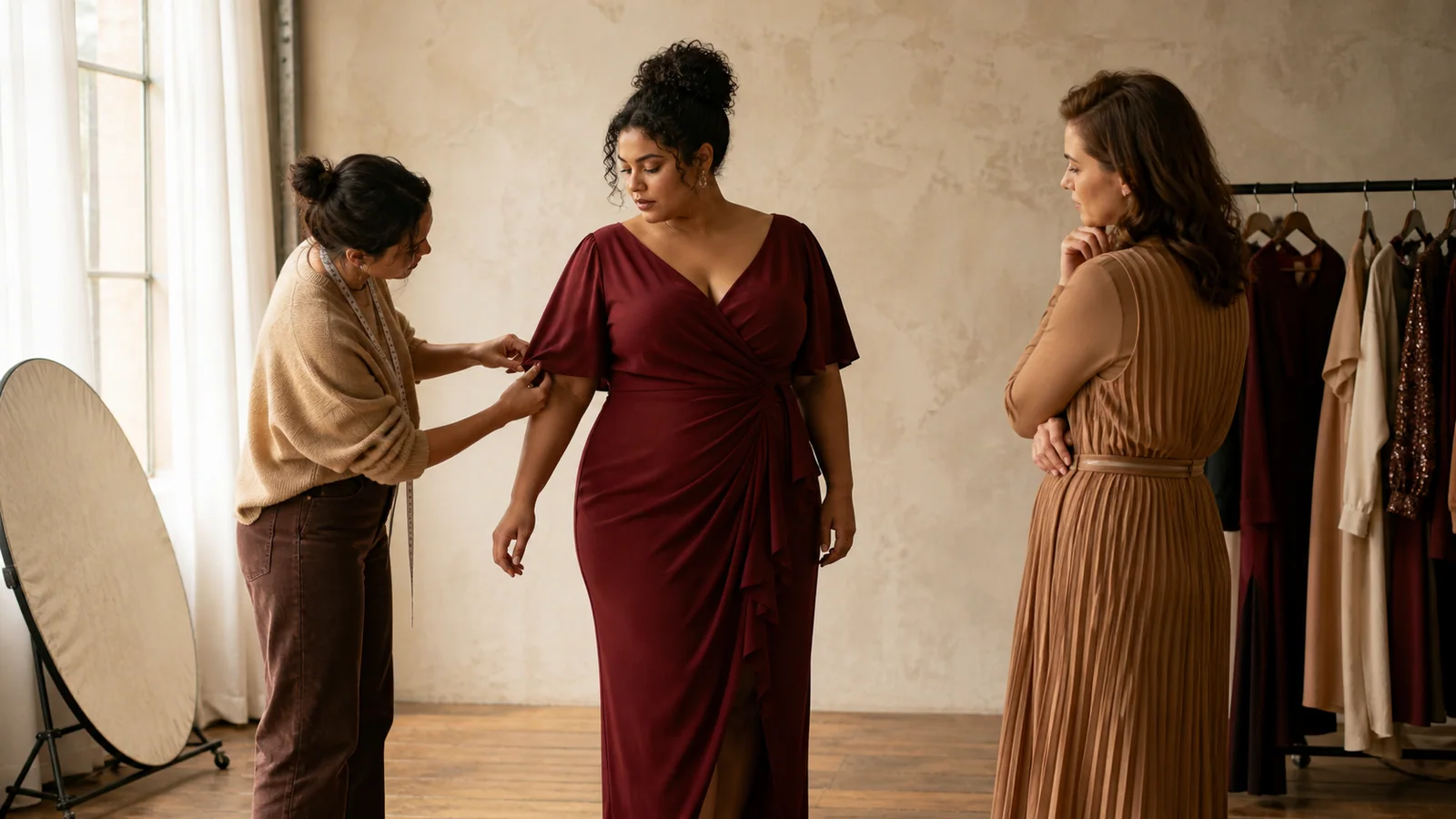
Plus Size Fashion Photography: A Better AI Model Brief
Build a clearer plus size fashion photography brief for AI model images. Define body direction, garment accuracy, framing, representation, and review.
Representation starts before the image is made
Plus size fashion photography often fails at the brief, not the camera. “Use a curvy model” sounds inclusive, but it leaves the photographer, stylist, or image generator to decide what that means. The result may be visually polished while still feeling generic, inconsistent, or disconnected from the people the brand serves.
A useful brief makes representation concrete. It names the intended body direction, model range, garment information, camera view, crop, background, channel, and approval standard. The purpose is not to reduce people to labels. It is to stop vague direction from becoming the default.
AI makes this discipline more important. A studio crew can ask a question when the brief is unclear. A generator fills the gap. If the team has not defined what must stay accurate and what may vary, it cannot review the output consistently.
The five parts of a workable brief
Before creating plus size fashion photography with AI, write one line for each of these areas.
The same five fields can become a reusable plus size fashion photography template for every collection.
1. Audience
Describe the customer group the image needs to speak to, without pretending one model represents everyone. Include relevant market, age direction, styling context, and the role of the image. A product-page image needs clarity and comparison. A campaign image can carry more narrative.
Avoid statements such as “make her look slimmer” or “hide problem areas.” Those phrases turn the customer’s body into a correction task. Direct the garment and composition instead: show the waist construction, keep the full sleeve visible, or leave space around the silhouette.
2. Model direction
Define a model range rather than a single token image. PlusLooks provides three body-shape directions—pear, apple, and hourglass—across four skin-tone choices. The names are practical visual controls, not measurements or promises about fit.
For a catalog, choose a small group that reflects the intended audience and repeat those directions across products. For an established campaign, use approved custom model references when appropriate. Keep a record of which reference belongs to which image set.
Good plus size fashion photography does not rely on one “inclusive” image placed beside an otherwise uniform catalog. Representation should be visible in the working system, not treated as a special exception.
3. Garment truth
List the product details that cannot change. For a wrap dress, that might be neckline overlap, waist tie position, sleeve length, print scale, hem, and closure. For trousers, it might be rise, waistband, pocket placement, leg shape, and length.
This list is your rejection standard. A result may have beautiful light and natural anatomy, but if it changes a defining garment detail, it is not ready for commerce. AI-generated imagery is a candidate visual, not evidence of exact drape, stretch, size, or fit.
4. Composition
State the camera direction, framing, ratio, and background. “Full-front, 3:4, white background, even margins” is reviewable. “Clean e-commerce photo” leaves too much open to interpretation.
PlusLooks offers front, back, and side directions with full-, upper-, and lower-body framing. Ratios include 1:1, 3:4, 2:3, 9:16, 4:3, and 16:9. Choose the combination that matches a real layout, not the one that simply fills the screen nicely during generation.
5. Approval
Name the person who knows the garment well enough to approve it. Define whether another reviewer checks representation and brand tone. A small brand may have one person covering both jobs, but the two questions still need separate answers:
- Is the product depicted accurately enough to publish?
- Does the image represent the intended audience respectfully and coherently?
Without an owner, plus size fashion photography can drift into a folder of appealing experiments that nobody is prepared to publish.
Body direction is not fit prediction
There is a tempting leap from “the image shows a plus-size model” to “the image proves how this size will fit.” It does not.
A generated model image helps a brand explore visual representation and build on-model product assets. Exact fit depends on the real body, garment measurements, grade rules, fabric behavior, construction, and size. Those inputs are not replaced by a model preset or a photograph.
Use precise language in captions and internal approvals. “AI-generated on-model image” is honest. “See your exact fit” is not supported by a creative image alone. If a brand offers separate sizing technology, explain that system independently.
This boundary protects both the customer and the creative team. It lets plus size fashion photography do its real job—show the design clearly on relevant bodies—without turning it into a promise it cannot keep.
Build range without losing catalog consistency
More model variety can make a catalog feel fragmented if every other decision changes too. Keep a few variables fixed so customers can still compare garments.
For example, use the same 3:4 ratio, white background, camera distance, and full-front framing across a category, while rotating an approved set of model directions. On a campaign page, the background and pose can vary more, but product details and color handling should remain consistent.
A simple model matrix helps:
| Image group | Model plan | Fixed elements | Flexible elements |
|---|---|---|---|
| PDP primary | Approved rotating set | Ratio, crop, background, scale | Model direction |
| PDP alternate | Same model as primary | Garment, light, ratio | View or crop |
| Category campaign | Curated model range | Product truth, palette | Scene, pose, framing |
| Social test | One approved reference | Garment truth | Ratio, background, copy space |
The matrix makes variety intentional. It also prevents a team from comparing two generations where the model, view, background, and crop all changed at once.
Used consistently, the matrix gives plus size fashion photography a stable visual rhythm without making every model or garment look identical.
Photograph the garment for the body you plan to show
The source image still controls what the system can understand. Plus size fashion photography needs complete garment information, particularly around areas that affect the visible silhouette.
For tops and dresses, keep shoulders, sleeves, side seams, waist construction, and hem visible. For bottoms, show the waistband, rise, pockets, leg shape, and full length. Add a back source when there are closures, pockets, yokes, vents, prints, or cutouts that matter.
Do not hide a difficult product area behind styling in the source and then expect the system to reconstruct it faithfully. If an important detail is not visible, make another source image. Clear product evidence is more useful than a longer prompt.
The AI product photography for clothing page shows how the workflow connects garment inputs to channel-ready outputs. For image preparation, use the five-input checklist.
Review representation with the same care as product accuracy
A technical artifact is easy to flag. Representation problems can be quieter. Add a separate pass for posture, styling, facial expression, body treatment, and the relationship between copy and image.
This review is part of plus size fashion photography quality, not an optional sensitivity check added after the product pass.
Ask practical questions:
- Is the model presented as the subject, not as a before-and-after device?
- Does the pose show the garment without contorting or concealing the body?
- Is styling contemporary and appropriate to the brand, rather than based on assumptions about plus-size customers?
- Across the full set, is there meaningful variety in body direction and skin tone?
- Would the image still feel respectful without an “inclusive” label attached to it?
Review the collection, not only individual files. A single image may be fine while the full page still repeats one narrow visual idea.
A controlled pilot for one category
Choose five to ten garments from one category, such as dresses. Write a product-truth list for each SKU. Select two or three model directions, one ratio, one background, and one primary framing. Generate a 1K proof set, then place the results in a mock catalog grid.
The grid view will reveal inconsistencies that are hard to spot one image at a time: changing headroom, shifting garment scale, uneven white balance, or a model mix that looks less considered than it did in the brief. Revise the recipe, approve the strongest images, and only then create larger files or lifestyle variants.
This pilot gives plus size fashion photography an editorial baseline. It also shows where a conventional shoot remains the better choice, especially for complex construction, transparency, high reflectivity, or images intended to demonstrate exact fit.
Make the brief visible
Store the model reference, garment sources, required views, ratios, background direction, product-truth checklist, and approval notes together. A brief hidden in chat is hard to repeat. A one-page record beside the images lets a new teammate understand why one result passed and another did not.
The strongest plus size fashion photography does not come from adding the word “inclusive” to a prompt. It comes from a specific representation plan, complete garment evidence, and reviewers willing to protect both. Use the plus size AI model generator to test one controlled category, then let the approved brief—not random variation—guide the next set.
Author
Categories
More Posts
How to Make an AI Fashion Photoshoot for a Clothing Brand
Plan an AI fashion photoshoot around real publishing needs. Build a shot list for PDPs, catalogs, campaigns, marketplaces, and social content.
AI Clothes Changer Online: 5 Checks Before You Generate
Use an AI clothes changer online with fewer avoidable errors. Check garment photos, model references, views, backgrounds, ratios, and final image quality.
What Is AI Virtual Try-On? A Guide for Clothing Brands
What is AI virtual try-on for a clothing brand? Learn how it turns garment photos into on-model images, what it can prove, and where review still matters.
Newsletter
Join the PlusLooks community
Get styling tips, new features, and plus-size fashion trends delivered to your inbox