A focused try-on studio for fashion teams
AI Virtual Try-On for Plus Size Clothing
Turn a clear garment photo into an on-model visual without building a shoot around every new style. Plus Looks gives plus-size fashion brands a practical AI virtual try-on workflow with preset or custom models, nine camera views, seven image ratios, and 1K or 2K output.
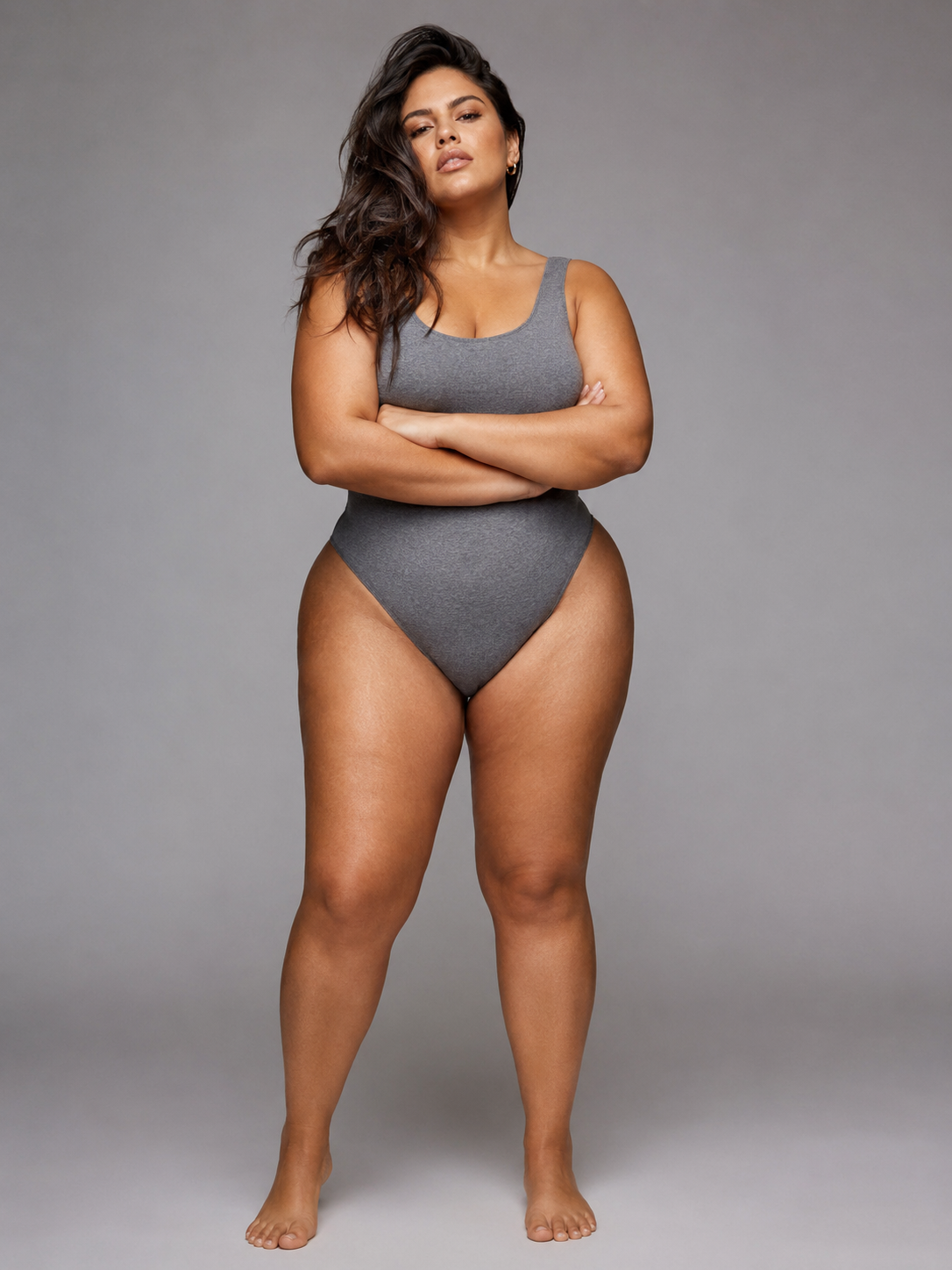
The useful proof comes first
One garment in. A controlled model image out.
The workspace separates the choices that shape a usable result: garment source, model, camera view, background, crop, and resolution. You can review each choice before spending credits.
- preset model combinations
- 12
- front, back, and side views
- 9
- output aspect ratios
- 7
- resolution choices
- 1K / 2K
From source image to reviewable result
AI virtual try-on should feel like a production step, not a guessing game
A brand usually starts with an imperfect but familiar asset: a supplier photo, a flat lay, a hanger shot, or a clean image exported from a design workflow. The first job is not to invent a campaign. It is to make that garment readable. Upload a complete front view, add a back view when it contains information the front cannot show, and keep the silhouette clear of hands, props, or heavy shadows.
Next, choose who wears the garment. Plus Looks includes pear, apple, and hourglass body shapes across four skin-tone options. A custom model photo is available when the collection needs a particular face, pose, or brand character. The AI virtual try-on workspace keeps this choice separate from the garment so teams can test a different model without rebuilding the whole setup.
Then set the shot. Select a full-body, upper-body, or lower-body frame from the front, back, or side. Pick an aspect ratio for the destination and choose the background: preserve the model image, use clean white, or describe a new scene. The final review shows the credit cost before generation. That small checkpoint matters when a team is producing more than one image.
1. Prepare the garment
Use a clear front image with the full item visible. Add a back image only when it improves the brief.
2. Choose the model
Start with a preset plus-size model or upload a model photo for a specific campaign direction.
3. Frame the output
Set angle, background, ratio, resolution, and image count before you generate.
Decisions you can inspect
Control the parts that determine whether the image fits the page
A convincing preview is only half the job. A product image also has to fit a specific slot: a square collection tile, a 3:4 product detail page, a vertical social placement, or a wide campaign header. Plus Looks keeps seven ratios in the same AI virtual try-on flow, so the crop is chosen before generation rather than repaired afterward.
Camera direction is equally concrete. Nine view options combine front, back, and side perspectives with full, upper, and lower framing. A dress may need a full front and back. A top may need an upper-body front plus a side view. Trousers can use a lower-body frame that gives the garment more room. These are production choices, not decorative variations.
Background controls support three different jobs. Preserve the uploaded model background when continuity matters. Use white for a clean product presentation. Describe a studio or lifestyle setting when the image belongs to a campaign. Custom prompts need review because generated scenes can vary; the tool gives direction, not a guarantee that every scene will match a locked brand set without selection.
Model
12 preset body-shape and skin-tone combinations, plus custom uploads.
View
Nine front, back, and side framing choices for different garment categories.
Canvas
Seven ratios covering square, portrait, and landscape placements.
Finish
1K for standard work or 2K when the destination needs more detail.
Better input, fewer avoidable surprises
Give the garment enough visual information to work from
AI virtual try-on cannot recover details that never appear in the source. A cropped hem, hidden sleeve, folded waistband, or blown-out white fabric leaves the model to infer what is missing. Use even lighting, keep the item in focus, and avoid placing it on a background with a similar color. For prints, logos, trims, and closures, start with the highest-quality source you have and inspect the generated result before publishing.
The optional back image is useful when the rear construction changes the product story: a low back, vent, tie, graphic, pocket placement, or different panel. It is less useful when it is simply another noisy photograph of the same information. A clean single input often beats two contradictory ones.
Model photos deserve the same care. A straight, visible pose gives the system a clearer base than crossed arms, seated poses, bulky outerwear, or severe perspective. If the purpose is a consistent catalog, reuse a model source and a stable set of output choices. If the purpose is exploration, change one variable at a time so the team can tell what caused the difference.
Built around the next publishing decision
Plan a small shot list before generating a large batch
The fastest way to create an inconsistent collection is to generate every possible combination. Start with the destination instead. A product page might need a full front, full back, and one side or detail-oriented frame. A lookbook may need one clear catalog image and one scene-led image. A social launch may need a vertical crop that leaves room for copy. The shot list should decide the AI virtual try-on settings, not the other way around.
For a first pass, hold the model, background, and ratio steady while testing the garment. Once the source works, add the second view. That sequence makes review simpler: the team can compare garment treatment before evaluating art direction. When every variable changes at once, a beautiful result can still be impossible to reproduce across the rest of the collection.
Save the higher-resolution option for outputs that need it. A small collection thumbnail and a large campaign crop do not have the same requirements. Choosing resolution by destination keeps the workflow deliberate and makes credit use easier to understand before generation.
A clearer promise
What this page means by virtual try-on
On this page, AI virtual try-on means generating a visual of a selected garment on a selected model image. It helps a fashion team explore model presentation and produce candidate product or campaign images. It does not mean a live camera mirror, a measurement engine, or a promise that the garment will physically fit a shopper in the same way.
That distinction protects the usefulness of the result. Product teams can judge composition, representation, background direction, and whether a garment is shown clearly. Fit and merchandising teams should still rely on specifications, samples, grading, size charts, and human review for claims about construction or sizing.
FAQ
Questions before your first AI virtual try-on
What clothing photos work best for AI virtual try-on?
Use a sharp front-facing image with the full garment visible, even lighting, and a simple contrasting background. Avoid folds, hands, props, cropped hems, or heavy shadows that hide construction details.
Can I use my own model photo?
Yes. You can choose a preset plus-size model or upload a custom model photo. Custom model and background options may use additional credits depending on the current plan and generation setup.
Does the result show exact fit or sizing?
No. The result is an AI-generated visual, not a measurement or sizing prediction. Keep size charts, garment specifications, samples, and fit testing in the product workflow.
Which output formats are available?
Plus Looks offers nine camera views, seven aspect ratios, and 1K or 2K resolution. Choose the combination that matches the product page, lookbook, campaign, or social placement.
Can I try AI virtual try-on for free?
New accounts receive free credits. An account is required, and the number of images you can generate depends on the selected options and available credit balance.
Continue with the right level of detail
Build the first controlled try-on image
Use AI virtual try-on with one clear garment, one plus-size model, and a shot defined before generation.