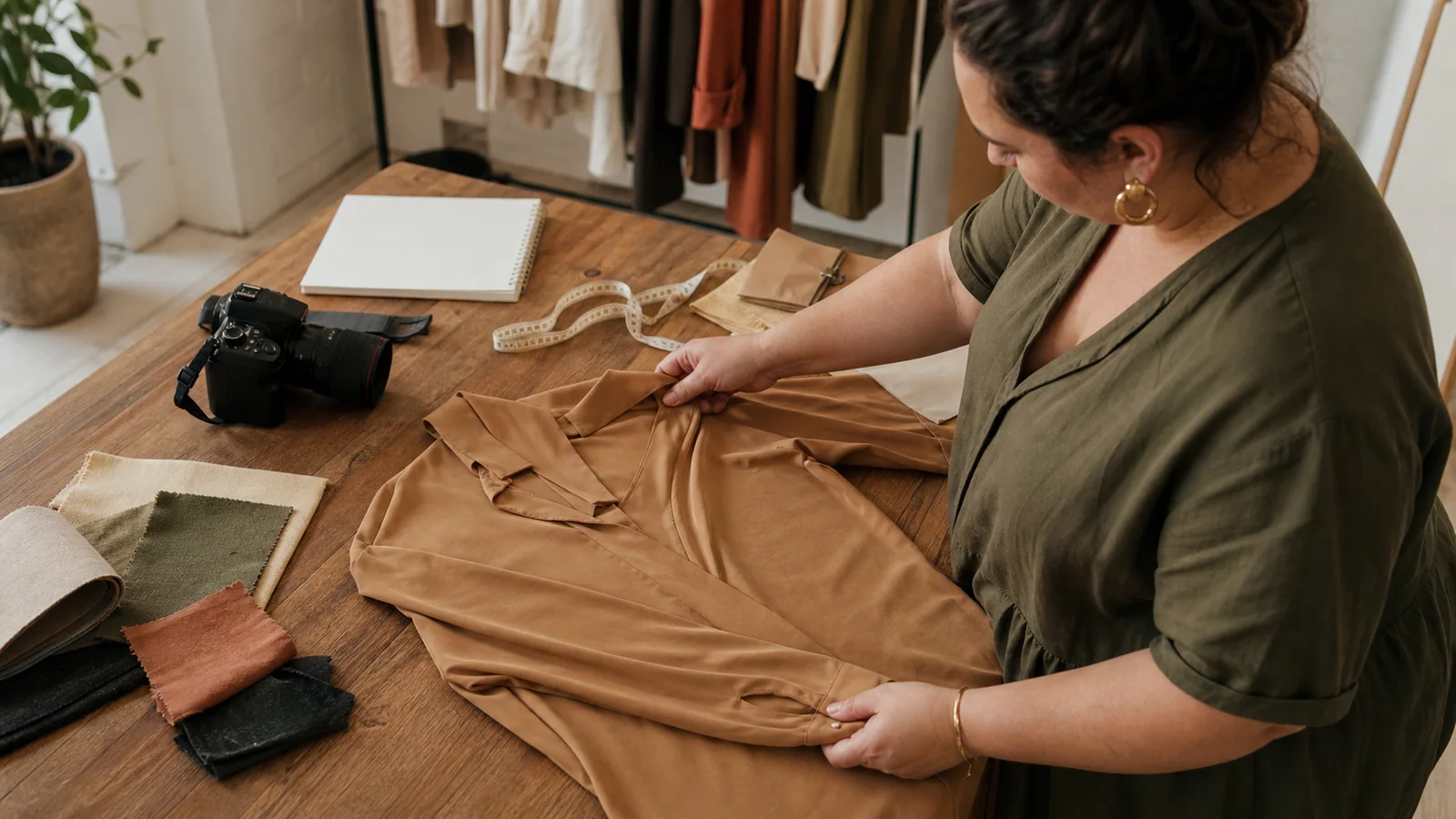
AI Clothes Changer Online: 5 Checks Before You Generate
Use an AI clothes changer online with fewer avoidable errors. Check garment photos, model references, views, backgrounds, ratios, and final image quality.
The source image sets the ceiling
An AI clothes changer online can make garment production faster, but it cannot inspect the physical SKU sitting in your studio. It only knows what the uploaded files reveal. A clean neckline can be carried into the output; a neckline hidden by a hanger leaves the system to guess.
Most preventable errors begin before the Generate button. The useful question is not “Which prompt will fix this?” It is “Did we give the system enough visual evidence to make the right choice?”
That preparation is what makes an AI clothes changer online useful for repeatable brand production rather than one-off experimentation.
Use these five checks before spending credits on a batch. They are written for clothing brands preparing e-commerce and campaign images, but the same discipline helps with any garment-to-model workflow.
Check 1: Can the garment be read without guessing?
Open the source at normal viewing size, then zoom in. A strong file shows the full silhouette, readable edges, stable color, and the details a customer would use to recognize the product.
Keep the full item inside the frame
Do not crop straps, cuffs, waistbands, pockets, or hems. Leave a modest margin around the garment. A tight crop can turn a deliberate design edge into missing information.
Remove visual obstruction
Hands, hangers, clips, jewelry, hair, other garments, and heavy shadows can cover construction. A person wearing the source garment may be usable, but a clean product photo is easier to interpret because fewer elements overlap the item.
Protect color and texture
Use even, neutral light. Black fabric should not collapse into a featureless shape, and white fabric should not lose seams against the background. Check small prints, lace, ribbing, denim wash, and visible hardware. If you cannot inspect a detail in the source, do not assume an AI clothes changer online will reproduce it faithfully.
Add the back when it matters
Upload a rear source when the product has a zipper, yoke, vent, tie, cutout, pocket, print, or other defining back detail. AI can create plausible unseen areas. A product page needs more than plausibility; it needs an image that a reviewer can compare with the real garment.
Pass condition: A teammate who has never seen the SKU can describe its silhouette and important visible details from the uploaded files.
Check 2: Does the model reference fit the brief?
The model is not a neutral container. Body direction, pose, camera angle, clothing already present in the reference, and background all influence the result.
PlusLooks includes 12 presets built from pear, apple, and hourglass body-shape directions across four skin-tone choices. Presets are useful for a repeatable catalog baseline. Choose one, hold the view and background constant, and compare a small group of garments before expanding.
An AI clothes changer online still needs a deliberate cast; the preset only makes that decision faster to repeat.
If you upload a custom model, use a clear image with the person visible at the required crop. Front-facing or gently angled poses are easier to control than crossed arms, seated poses, extreme perspective, or limbs covering the torso. Avoid low light and heavy filters that alter skin or fabric color.
An AI clothes changer online is not a body-measurement tool. A model direction helps create the composition, but it does not prove how a real size will fit. Keep size advice and fit claims separate from generated imagery.
Pass condition: The reference clearly shows the person, supports the planned crop, and represents an approved brand direction.
Check 3: Is the selected view supported by the sources?
PlusLooks offers front, back, and side directions with full-, upper-, and lower-body framing. That flexibility is useful only when the garment evidence supports the requested image.
A full-front view is the safest first test for a dress or complete look. Upper-front works well for shirts, jackets, necklines, and sleeves. Lower-front gives trousers and skirts more room. A rear view is appropriate when you supplied back information. A side view can help communicate silhouette, but it also asks the system to interpret construction that may be less visible in a flat source.
Start with the view closest to the uploaded photo. Approve garment fidelity there before requesting harder transformations. If the full-front image changes the collar or print, a side view will not solve the underlying source problem.
Avoid generating every angle just because the menu allows it. An AI clothes changer online should produce the views your merchandising plan needs, not the maximum number of files.
Pass condition: Every requested view answers a publishing need and is backed by enough source information to review it.
That view discipline keeps an AI clothes changer online aligned with the shot list.
Check 4: Do the ratio and background match the destination?
Composition errors are often mistaken for generation errors. A good garment image can still be unusable if it has the wrong crop, no copy space, or a background that conflicts with the catalog.
Choose the ratio before generation
PlusLooks supports Auto, 1:1, 3:4, 2:3, 9:16, 4:3, and 16:9. Match the ratio to the actual channel. Use your storefront standard for product pages, a vertical ratio for story placements, and a wide ratio only when the banner layout needs it.
Do not depend on a later crop to fix everything. Turning a full-body 3:4 image into 1:1 may cut the hem or feet. Turning it into 16:9 may leave too little useful width. Asking the AI clothes changer online for the intended canvas gives the composition a fair chance from the beginning.
Give the background one clear role
Use white when the job is product comparison and catalog consistency. Keep the original background when it is already approved and its light works with the subject. Use a described scene for a planned editorial direction, not as random decoration.
Write scene directions in concrete visual terms: place, time or light, palette, and mood. “Soft daylight in a warm-gray studio with a clean floor” is easier to evaluate than “premium luxury fashion.” Review whether background light, shadow direction, and subject edges agree.
Pass condition: The image fits its real layout without destructive cropping, and the background supports rather than competes with the garment.
At this point, the AI clothes changer online has a defined canvas instead of an open-ended request.
Check 5: Is this a proof or a final?
PlusLooks provides 1K and 2K output. Use 1K to test the model, garment, view, ratio, and background. Move to 2K after the direction passes product review. In the current credit configuration, 2K adds one credit per generated image to the base cost.
Resolution changes file size and visible detail. It does not correct a changed print, invented pocket, hidden hem, or weak source. Generating the same flawed composition at 2K only makes the flaw easier to see.
An efficient AI clothes changer online workflow separates proof from final:
- Generate one 1K image with a controlled brief.
- Compare it with the source and physical SKU.
- Correct one input at a time.
- Approve the image direction.
- Generate 2K only when the publishing destination needs it.
Pass condition: The team can state whether the image is a test or a publishable candidate and knows who must approve the upgrade.
The 60-second review after generation
Run the same order every time. A fixed review catches more than staring at the image and deciding whether it “feels real.”
Garment
Check silhouette, neckline, shoulder, sleeve, waist, hem, color, print scale and placement, seams, pockets, closures, and hardware. Compare against the source, not memory.
Model
Check face, hands, limbs, posture, garment edges, overlap, and shadow. Look for areas where fabric merges into skin or background.
Composition
Check view, crop, subject scale, horizon, margins, and negative space. Place the image in a mock product card if thumbnail performance matters.
Channel
Check ratio, resolution, file naming, and visual consistency with neighboring images. A strong single image may still fail as part of a catalog row or an AI-generated lookbook sequence.
Record a specific rejection reason. “Right cuff changed shape” gives the next attempt a direction. “Bad result” does not.
About “free” online clothes changers
Searches for a free AI clothes changer online are common, but “free” alone is a poor evaluation standard for a brand. Check whether the workflow supports your needed model direction, views, ratios, backgrounds, resolution, commercial review, and clear credit visibility. Also check whether an account is required before promising “no sign up” in your own content.
PlusLooks shows the credit cost before generation. New users can begin with signup credits, while current plan and package details are maintained on the pricing page. This is more useful than hiding the operating model behind an unlimited-sounding claim.
Turn the checks into an upload gate
Add five fields to the SKU handoff: source approved, model approved, required view, destination ratio/background, and proof/final status. Do not send the SKU to generation until every field has an owner.
That small gate changes an AI clothes changer online from an experiment into a repeatable production step. For the complete sequence, read how to plan an AI fashion photoshoot. When the source passes all five checks, open PlusLooks and generate one controlled proof before building the batch.
Author
Categories
More Posts
How to Make an AI Fashion Photoshoot for a Clothing Brand
Plan an AI fashion photoshoot around real publishing needs. Build a shot list for PDPs, catalogs, campaigns, marketplaces, and social content.
PlusLooks Image Workflow: Garment Photo to Model Image
Follow the PlusLooks image workflow from garment upload to final review, including models, camera views, backgrounds, aspect ratios, and output quality.
What Is AI Virtual Try-On? A Guide for Clothing Brands
What is AI virtual try-on for a clothing brand? Learn how it turns garment photos into on-model images, what it can prove, and where review still matters.
Newsletter
Join the PlusLooks community
Get styling tips, new features, and plus-size fashion trends delivered to your inbox