Build a collection image set from one clear visual rule
AI Lookbook Generator for Fashion Brands
Turn clothing photos into a connected series of on-model images. The Plus Looks AI lookbook generator helps a fashion team choose a plus-size model direction, camera sequence, scene language, aspect ratio, and review standard before the collection is published.
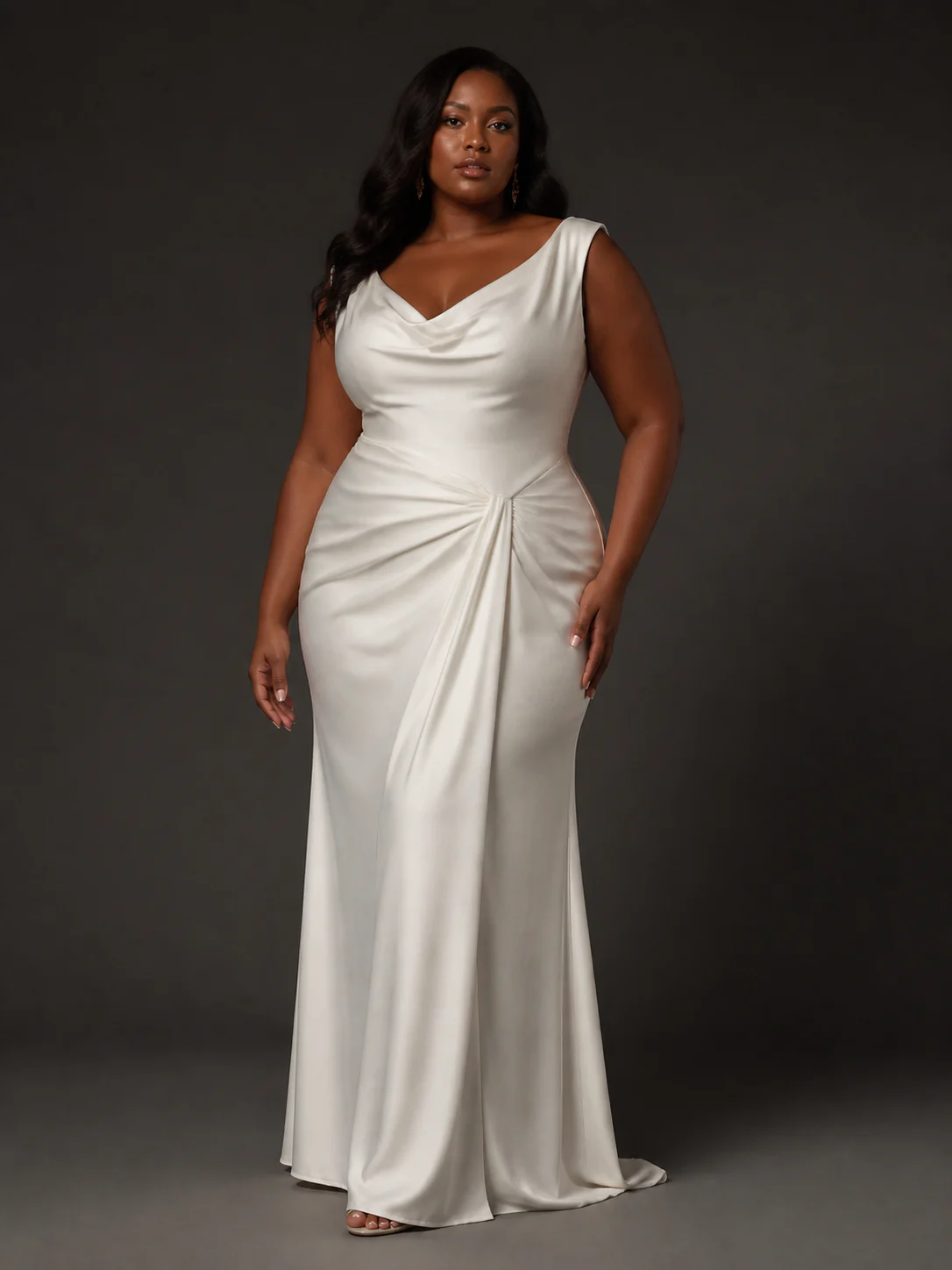
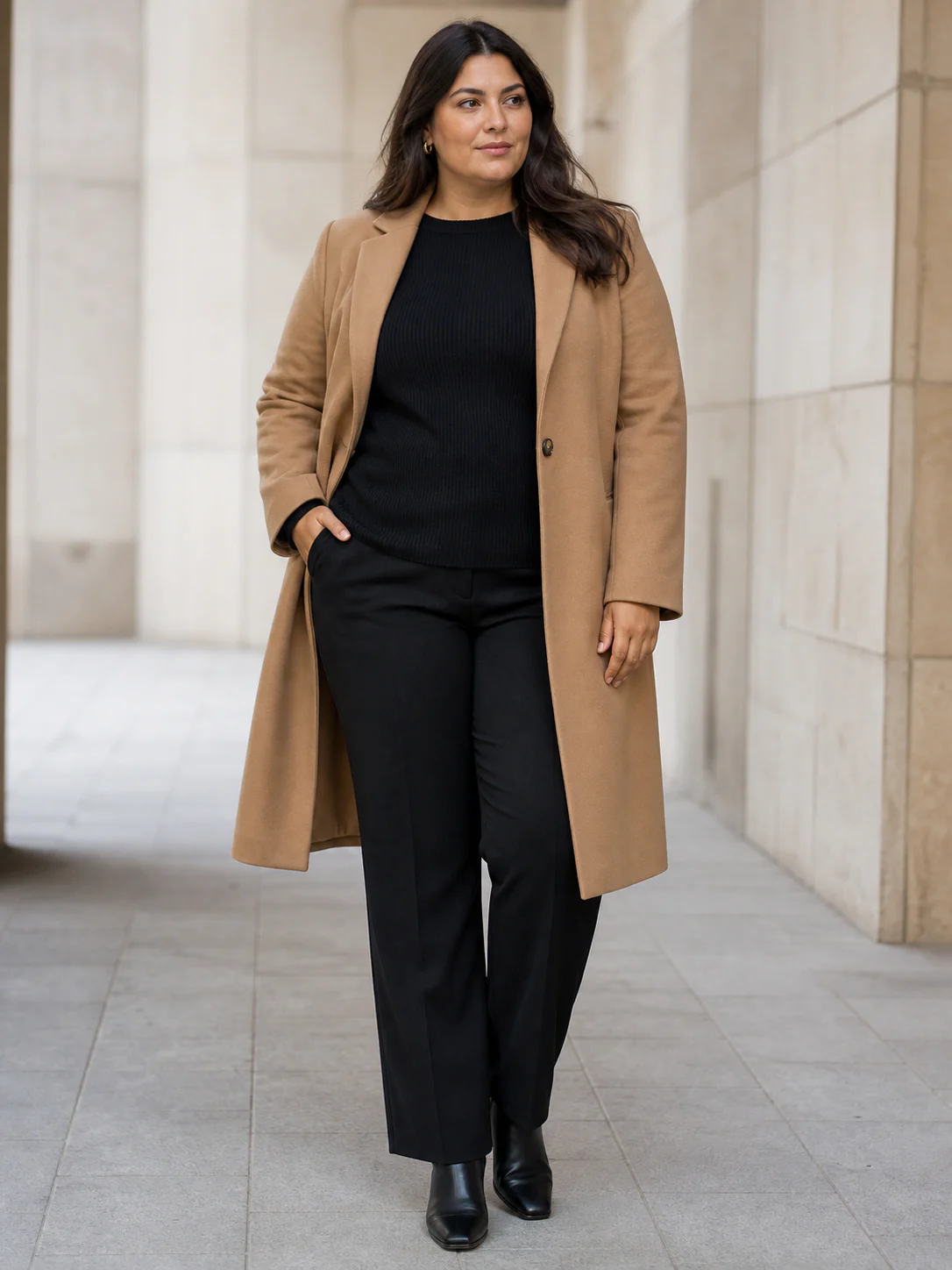
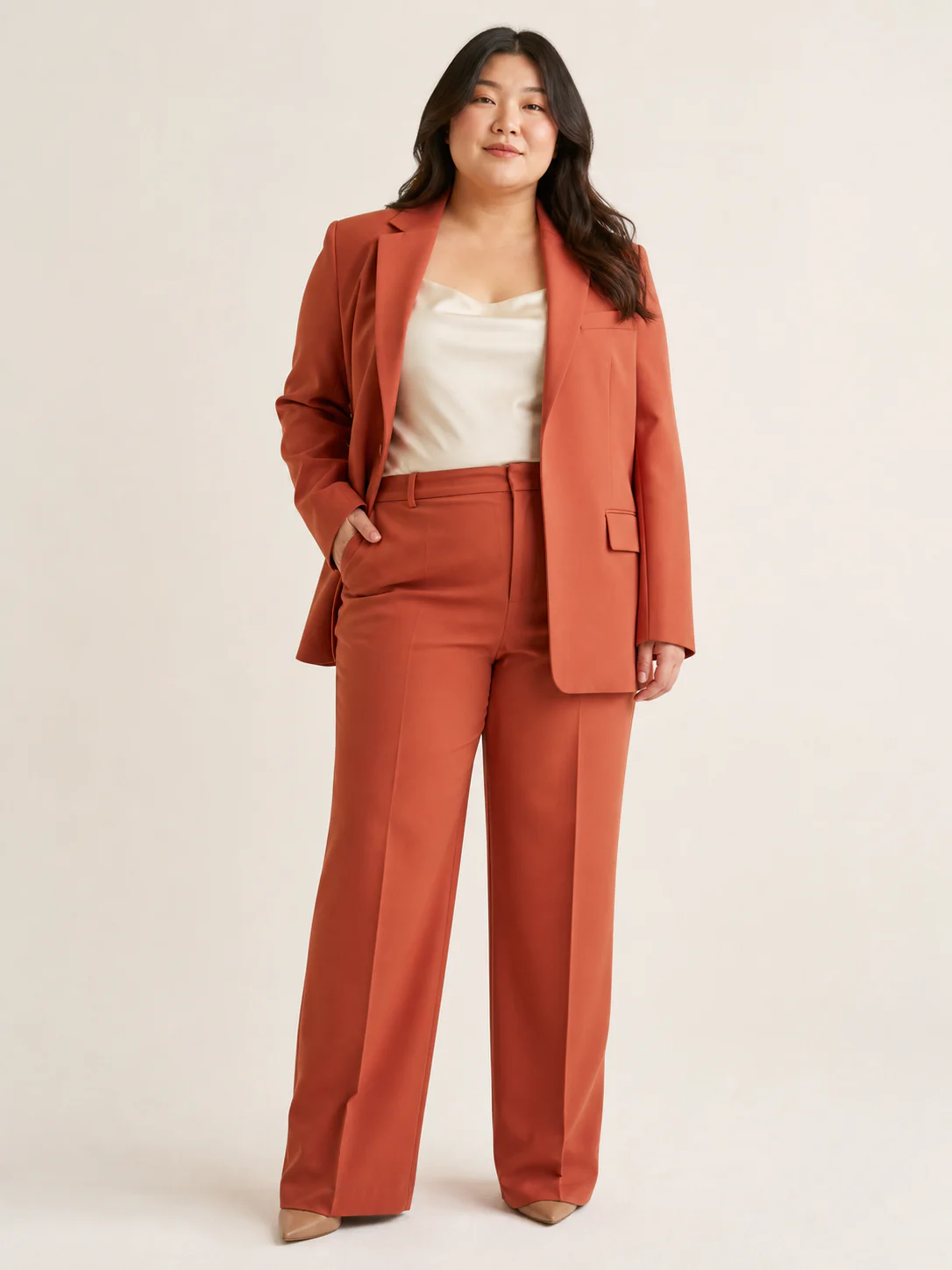
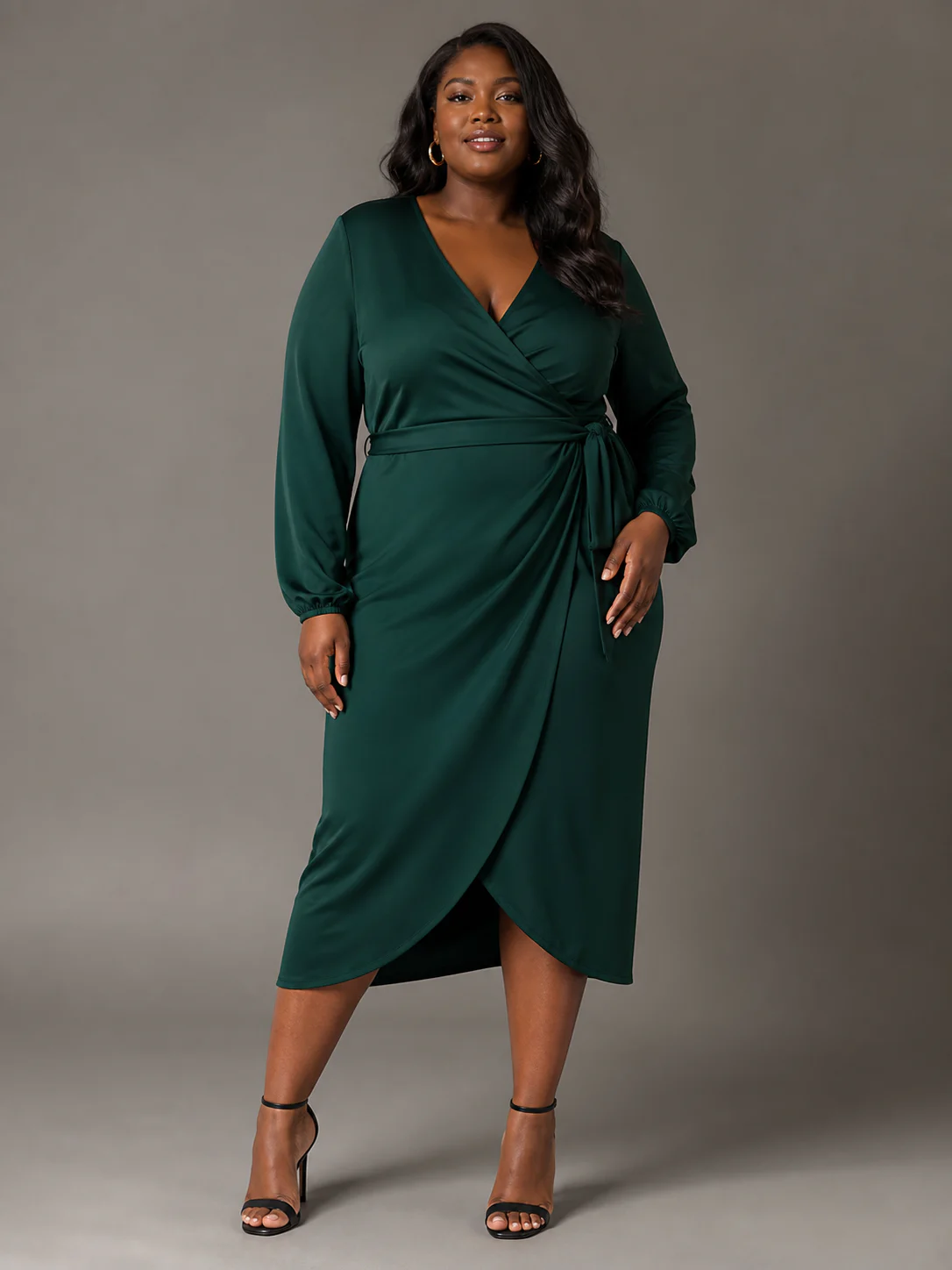
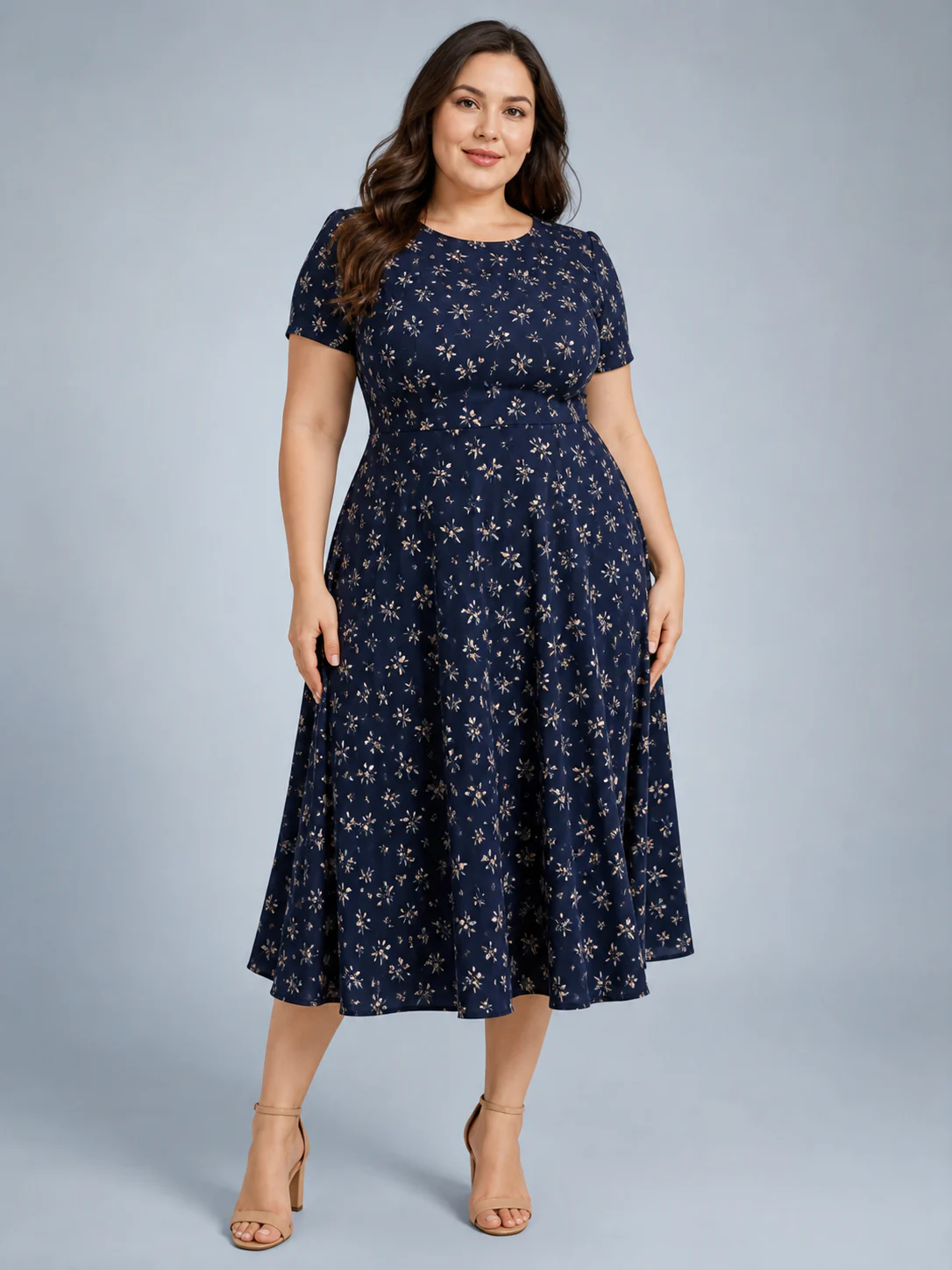
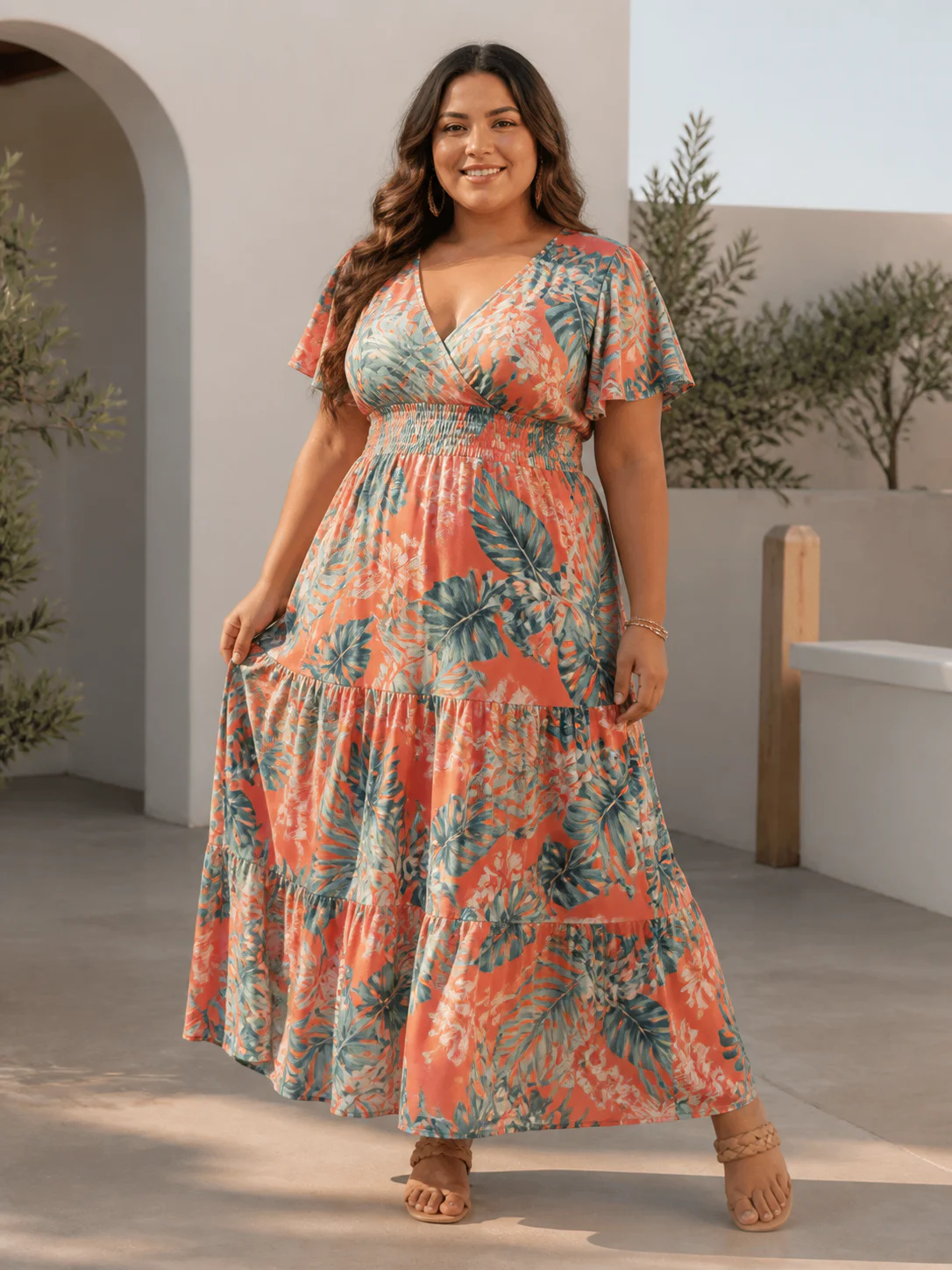
A repeatable lookbook needs visible choices
12 model directions. 9 views. 7 ratios.
Use the AI lookbook generator to turn those controls into a small image system, then review the set as a sequence instead of approving isolated frames.
- preset plus-size model combinations
- 12
- camera and crop views
- 9
- publishing ratios
- 7
- output resolutions
- 1K / 2K
A six-frame collection sequence
Give every look a different job inside one visual rule
The sequence moves from recognition to garment information, then adds atmosphere. The model direction and portrait ratio keep the set connected.
01Look 01 · opener
Establish the collection mood
- Source
- Complete dress source with neckline and hem visible
- Setup
- Full front · 3:4 · evening studio · 2K
02Look 02 · structure
Change silhouette without changing the visual family
- Source
- Full coat source with lapels and closure visible
- Setup
- Full front · 3:4 · city scene · 2K
03Look 03 · tailoring
Introduce a sharper line and warmer color
- Source
- Jacket and trousers shown as a complete outfit
- Setup
- Full front · 3:4 · warm studio · 2K
04Look 04 · color peak
Carry the strongest color moment
- Source
- Wrap construction and sleeves clearly visible
- Setup
- Full front · 3:4 · quiet interior · 2K
05Look 05 · pattern
Add visual detail without changing the crop
- Source
- Print placement visible from neckline to hem
- Setup
- Full front · 3:4 · neutral studio · 2K
06Look 06 · closer
Finish with a lighter scene and open posture
- Source
- Complete dress silhouette with straps and hem visible
- Setup
- Full front · 3:4 · resort scene · 2K
Start with the publishing destination
Give the AI lookbook generator a real image brief
A lookbook is an edited point of view, not every usable image from a shoot. Before generating anything, list where the set will appear and what each placement needs to do. A collection landing page may need a quiet opening portrait, three garment-led looks, one closer detail, and a final image with more atmosphere. Social posts may need vertical crops from the same visual family. A wholesale line sheet needs clearer product information and belongs in a different workflow.
Write one sentence that defines the collection. Name the season, customer, setting, and emotional temperature without filling the prompt with decorative adjectives. “A warm city transition collection for confident evening dressing” gives a team more direction than “luxurious, stunning, cinematic fashion.” The first sentence can guide model selection, light, background, and pacing while leaving enough room for each garment to remain distinct.
Assign an image job to every frame before choosing a scene. Open with recognition, move into garment information, vary distance or perspective, and close with a memorable image. If two frames perform the same job, remove one or change its purpose. The AI lookbook generator is most useful when the brief already knows why each output belongs in the series.
Consistency comes from recorded decisions
Create one visual rule the collection can repeat
Choose the model direction first. Plus Looks provides 12 preset combinations across three broad plus-size body-shape directions and four skin-tone options, or the team can upload a custom model source. Use the same source across a short run when recognition matters. A new face, pose, crop, and background in every frame may produce variety, but it rarely produces a coherent lookbook.
Next, define the camera rhythm. Nine available combinations cover front, back, and side perspectives with full-body, upper-body, and lower-body framing. Do not use all nine because they exist. Select the two or three views that suit the garments and the story. A full front can establish a dress, an upper-body side can reveal a jacket profile, and a wider scene can provide the pause between product-led frames.
Record background direction, aspect ratio, and output resolution beside the model and view. The AI lookbook generator exposes seven ratios plus 1K and 2K output choices, but the publishing destination should decide which options matter. Test the rule on two contrasting garments. If both images feel related without becoming copies, the team has a useful starting system.
Model rule
Choose one preset or custom source for the collection or a clearly defined chapter.
Camera rule
Limit the sequence to the views that reveal the garment and vary the pace.
Scene rule
Repeat a restrained background language instead of inventing a new world for every look.
Canvas rule
Set ratio and resolution from the final placement before generation.
Two image systems with different jobs
Separate the lookbook story from the product catalog
A product catalog helps a shopper compare garments. It favors repeatable front, back, side, and detail coverage with stable crop, scale, and background. A lookbook creates a point of view around a collection. It can change distance, use a scene for atmosphere, pair products, and leave more visual space. Mixing the two jobs usually creates a catalog that is hard to compare or a lookbook that feels like a row of product tiles.
Build the catalog reference first when garment accuracy is the priority. Approve a neutral on-model image, then carry the accepted garment and model direction into the lookbook brief. This gives reviewers something factual to compare with the more expressive frames. The AI lookbook generator supplies candidates for the story layer; the catalog remains the clearer product record.
Catalog
Comparable product coverage with a stable first frame and documented SKU views.
Lookbook
An edited sequence with pacing, styling context, and a collection-level point of view.
Shared source
An approved garment image and model direction can connect both systems.
The garment source sets the ceiling
Prepare clothing photos before opening the AI lookbook generator
Use a source that shows the complete garment with even light and enough separation from the background. Keep sleeves, straps, hems, waistlines, and layered edges visible. A dramatic supplier photo may contain the right mood but hide the construction the generated frame needs. Choose the cleanest source for garment information and add atmosphere through the model, view, and scene controls.
Check the details that identify the SKU: neckline, print placement, buttons, closures, pockets, trim, and color blocking. Add a back source when the rear contains information the front cannot show. If two references disagree, remove the weaker one rather than asking generation to resolve the conflict. A larger output cannot restore details that were never legible in the input.
Show the silhouette
Keep every edge the final frame needs to reconstruct inside the source image.
Protect identifying detail
Inspect prints, hardware, seams, closures, and layered construction before approval.
Test quietly first
Approve a restrained reference before adding scene and editorial variation.
Edit with rhythm, not random variation
Build a sequence that changes one thing at a time
Lay the first outputs beside one another as a contact sheet. Check whether the opening image establishes the collection, whether neighboring frames differ enough to keep attention, and whether the final image feels intentional. Alternate full and closer frames when the garments support it. A side perspective can interrupt repeated front views. A quiet studio frame can reset the eye after a busier scene.
Change one major variable between adjacent images. Keep the model and background family while changing the garment and crop, or keep the camera rule while moving to a related scene. When model, pose, camera, lighting, setting, and ratio all change together, the viewer has no stable thread. The AI lookbook generator offers choices; editing determines whether those choices form a story.
Approve the collection at two distances
Review the contact sheet, then inspect every garment
Start with the full contact sheet. Look for model continuity, repeated poses, accidental color drift, uneven visual weight, and scenes that pull attention away from the clothing. Remove the weakest frame even if it works on its own. A short sequence with a clear rhythm is more useful than a longer sequence that repeats itself.
Then open each file at full size. Inspect body and fabric boundaries, hands, print placement, fasteners, small text, reflections, shadows, and background objects. The AI lookbook generator produces visual candidates, not technical proof. A plausible image should not be used to support claims about exact fit, measurement, fabric performance, certified color, or physical construction.
Sequence review
Judge pacing, continuity, variety, and collection-level hierarchy on one board.
Garment review
Inspect every visible feature tied to product identity or a marketing claim.
Model review
Check body boundaries, pose, hands, face, and respectful plus-size presentation.
Publishing review
Confirm the final crop, ratio, file size, and surrounding page treatment.
FAQ
AI lookbook generator questions from fashion teams
What does an AI lookbook generator create?
The AI lookbook generator creates individual fashion image files that a team can edit into a collection story. Plus Looks does not claim a PDF or page-layout builder; use your existing design or publishing tool to arrange approved outputs.
How do I keep the same model across a lookbook?
Reuse the same preset or custom model source, then hold the camera, background family, aspect ratio, and review standard steady. Generated details may still vary, so compare the full set before publishing.
Can I create a plus-size fashion lookbook?
Yes. Plus Looks provides 12 preset combinations across pear, apple, and hourglass body-shape directions and four skin-tone options, plus custom model uploads. Review the actual model image rather than treating a preset label as a measurement.
Is a lookbook different from a fashion catalog?
Yes. A catalog prioritizes comparable product coverage. A lookbook prioritizes an edited collection story. They can share approved garment and model sources, but the image sequence and review criteria should remain distinct.
Is the AI lookbook generator free to try?
New accounts receive free credits. An account is required, and available generations depend on image count, resolution, custom inputs, and the current credit balance.
Connect the lookbook to the rest of the image system
Build the first six-frame collection story
Start the AI lookbook generator with one approved garment source, one model direction, and a written role for every image in the sequence.