Plus-size representation is the starting point
Plus Size AI Model Generator for Fashion Brands
Show clothing on a deliberately selected plus-size model direction instead of treating larger bodies as an afterthought. The Plus Looks plus size AI model generator includes pear, apple, and hourglass presets across four skin-tone options, plus custom model uploads.
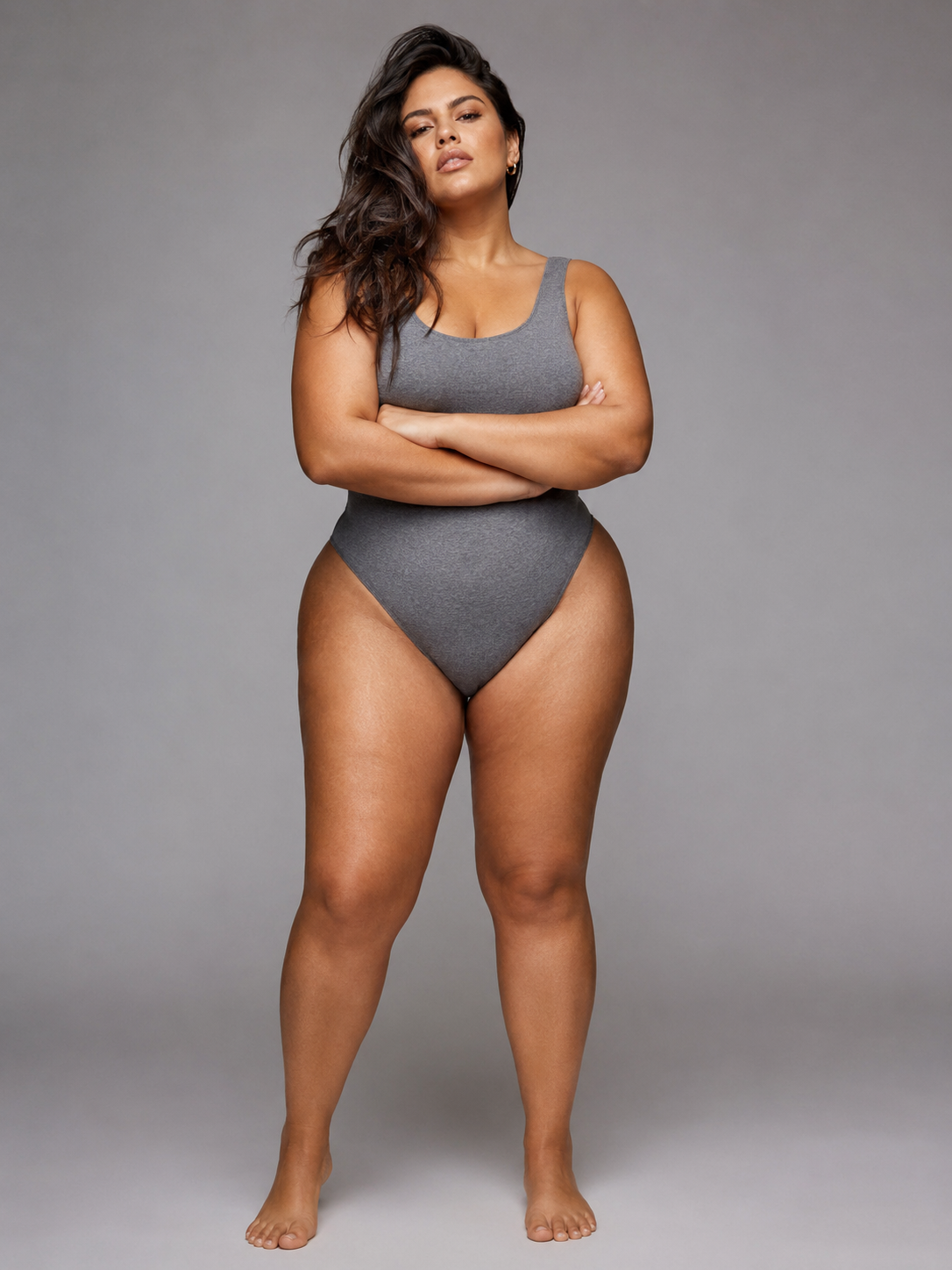
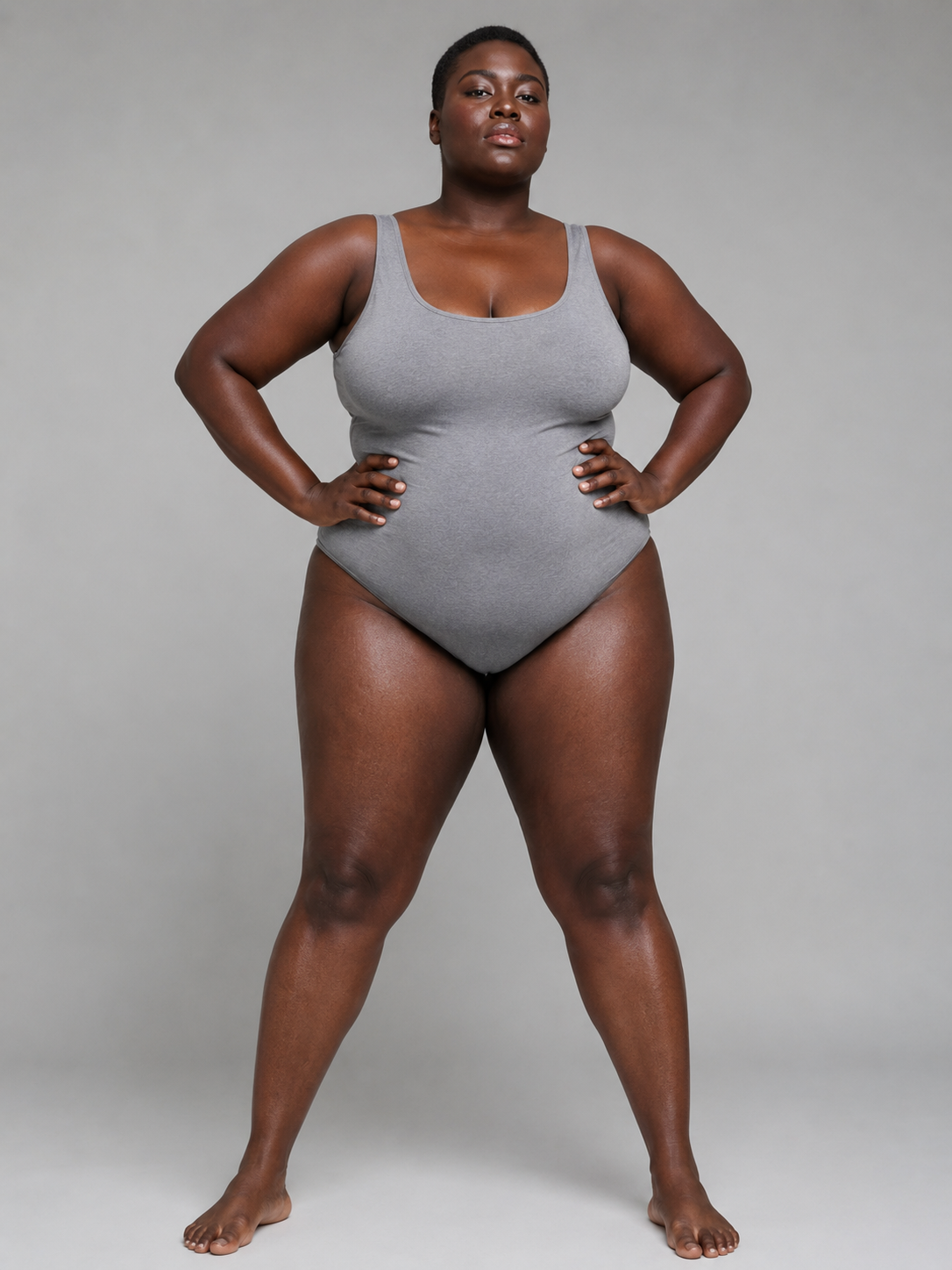
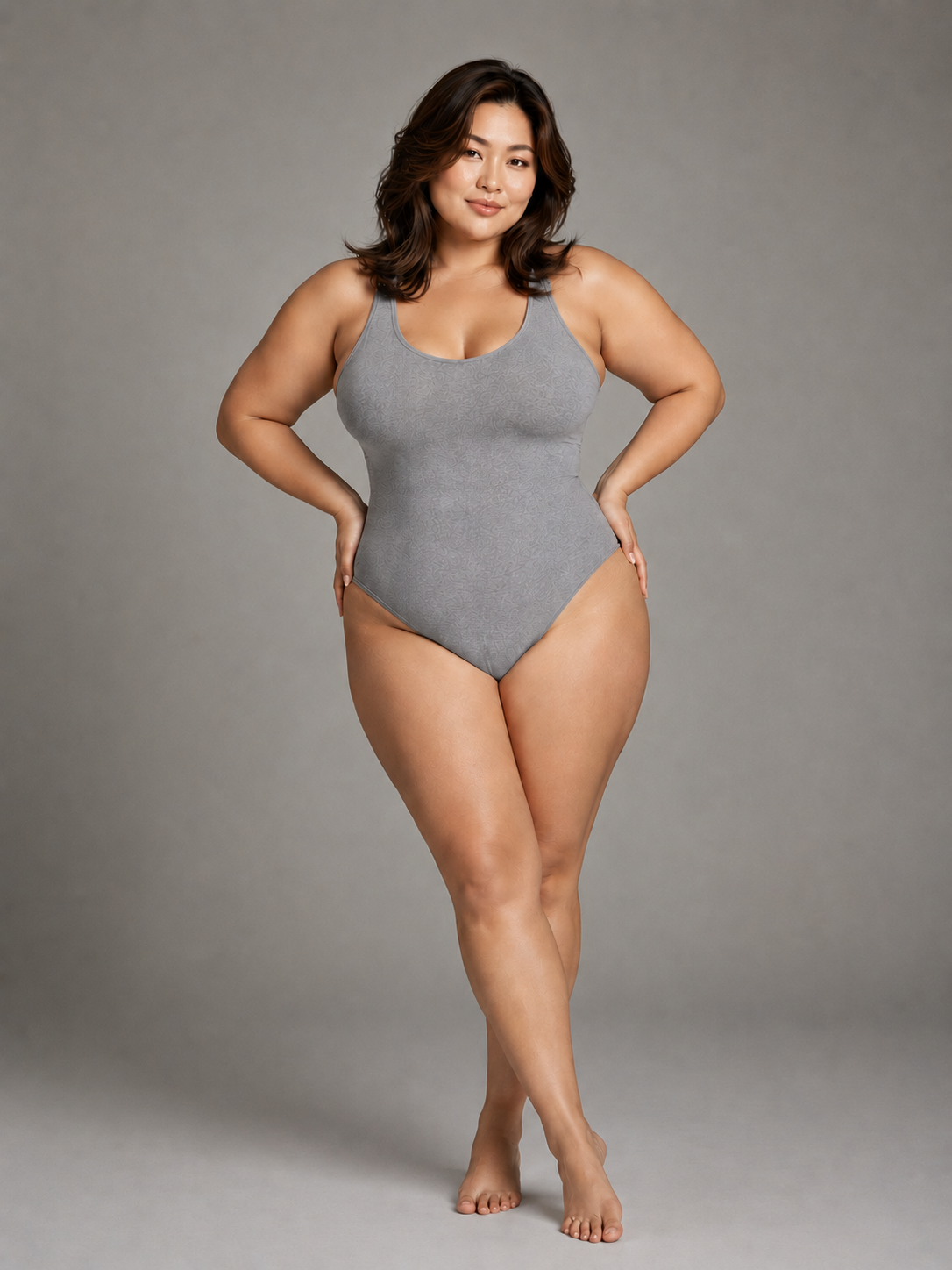
Representation needs visible choices
Three body-shape directions. Four skin-tone options.
Review 12 preset combinations as actual model images, then choose the direction that belongs with the garment, collection, and audience.
- body-shape directions
- 3
- skin-tone options
- 4
- preset combinations
- 12
- camera views
- 9
The complete preset casting board
Compare all 12 model directions before adding a garment
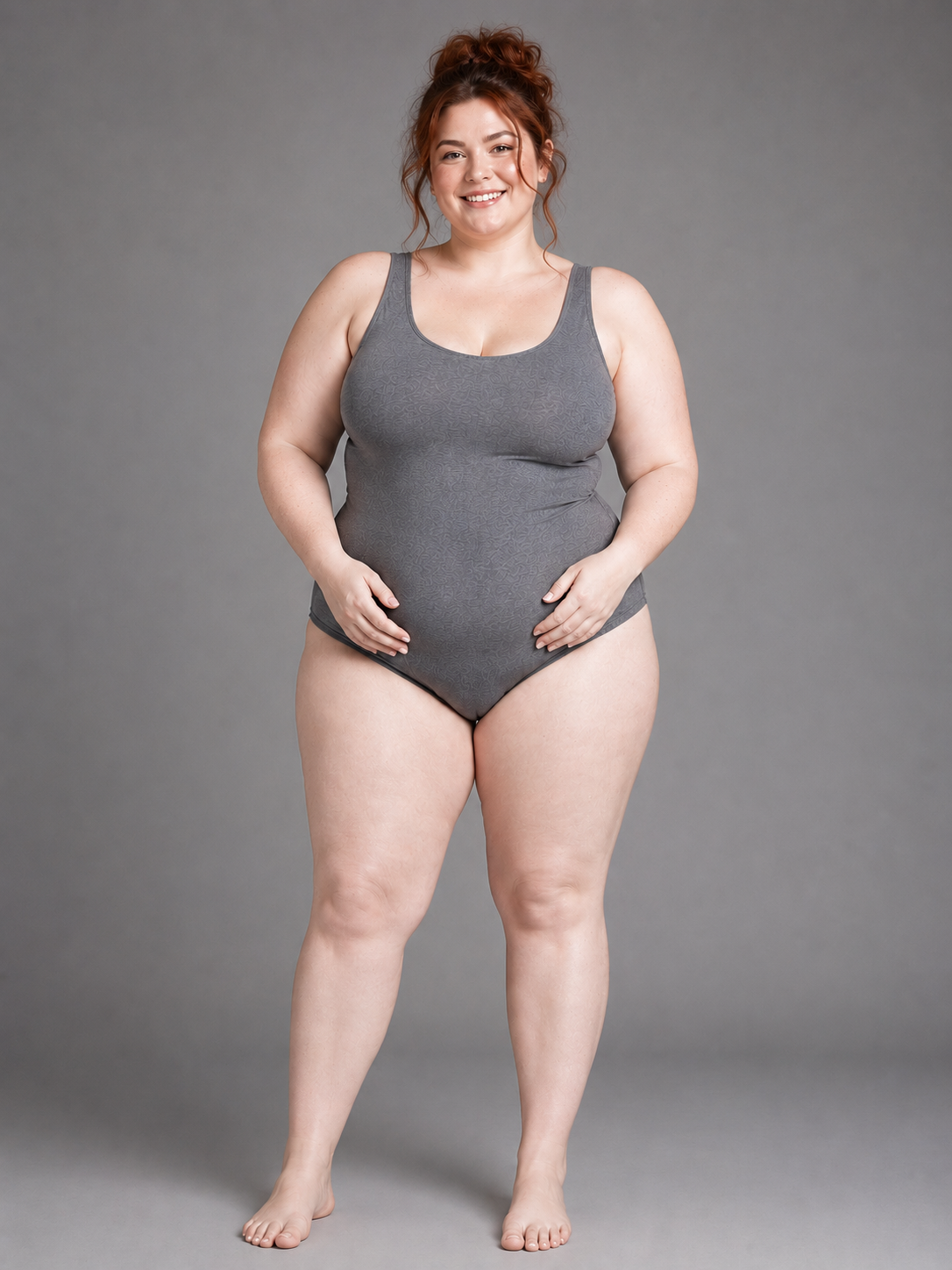
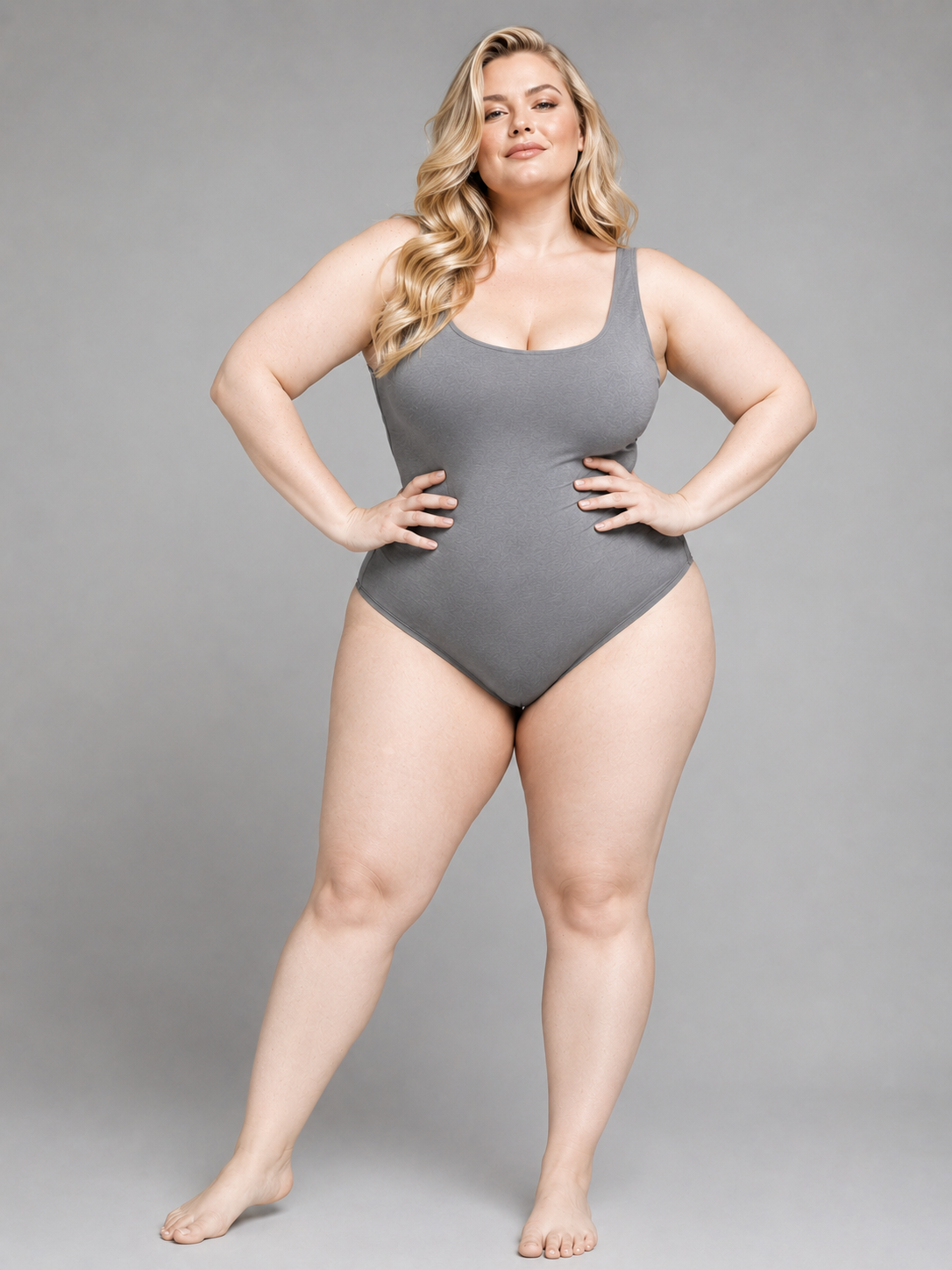
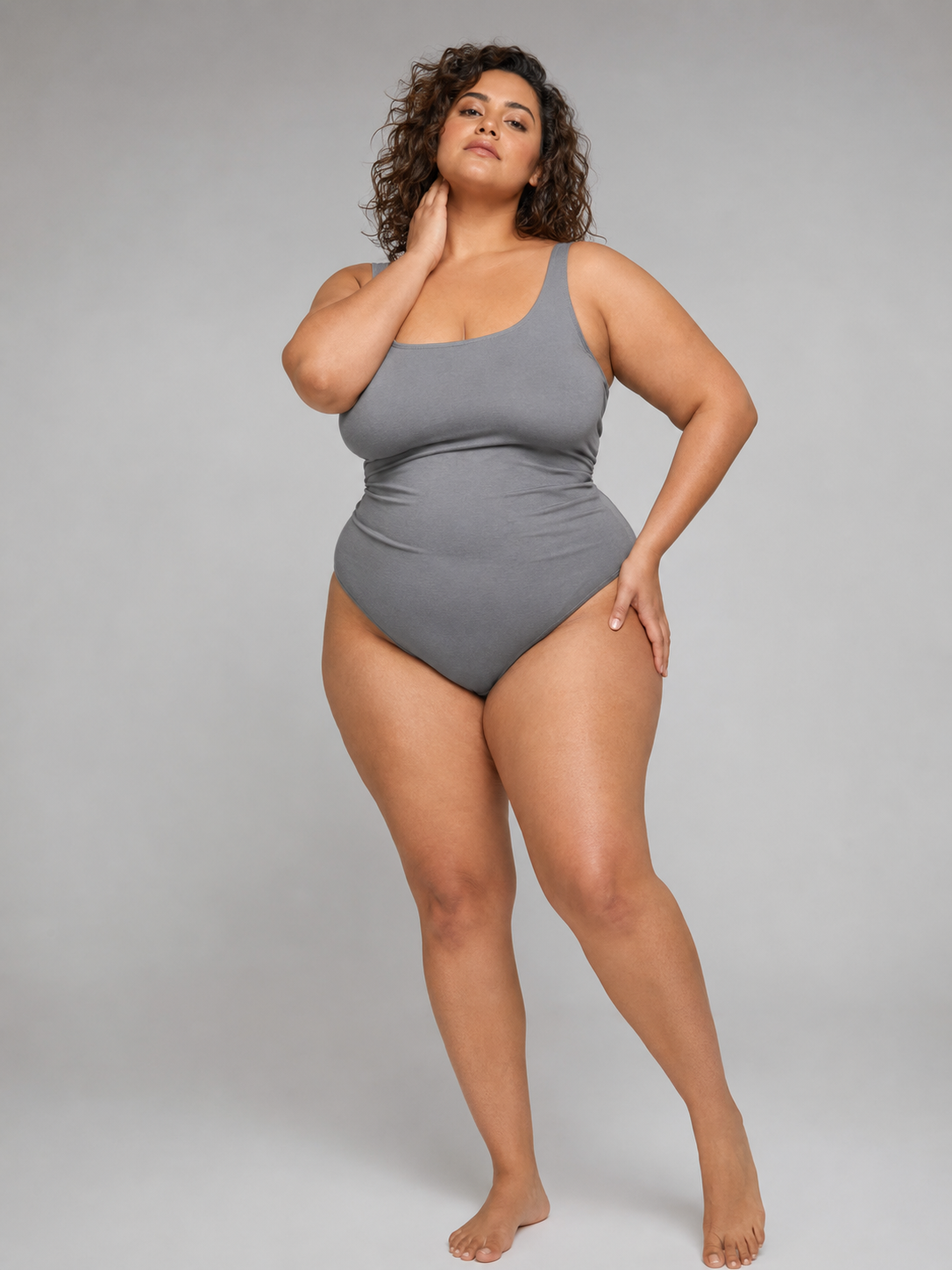
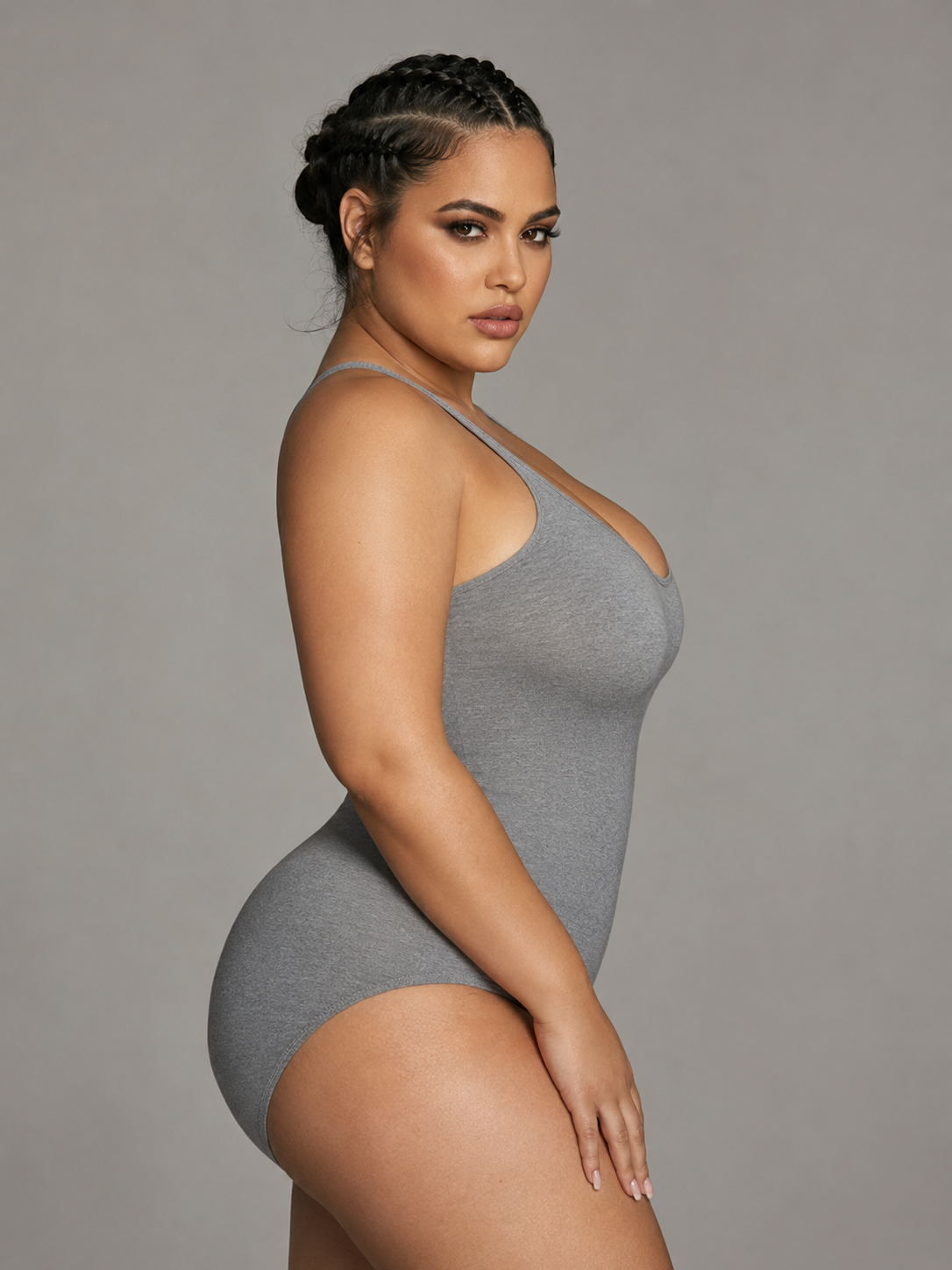
Use the plus size AI model generator board to review body shape, skin-tone direction, pose, and crop as visible images. The labels help with selection; they are not sizes or measurements.
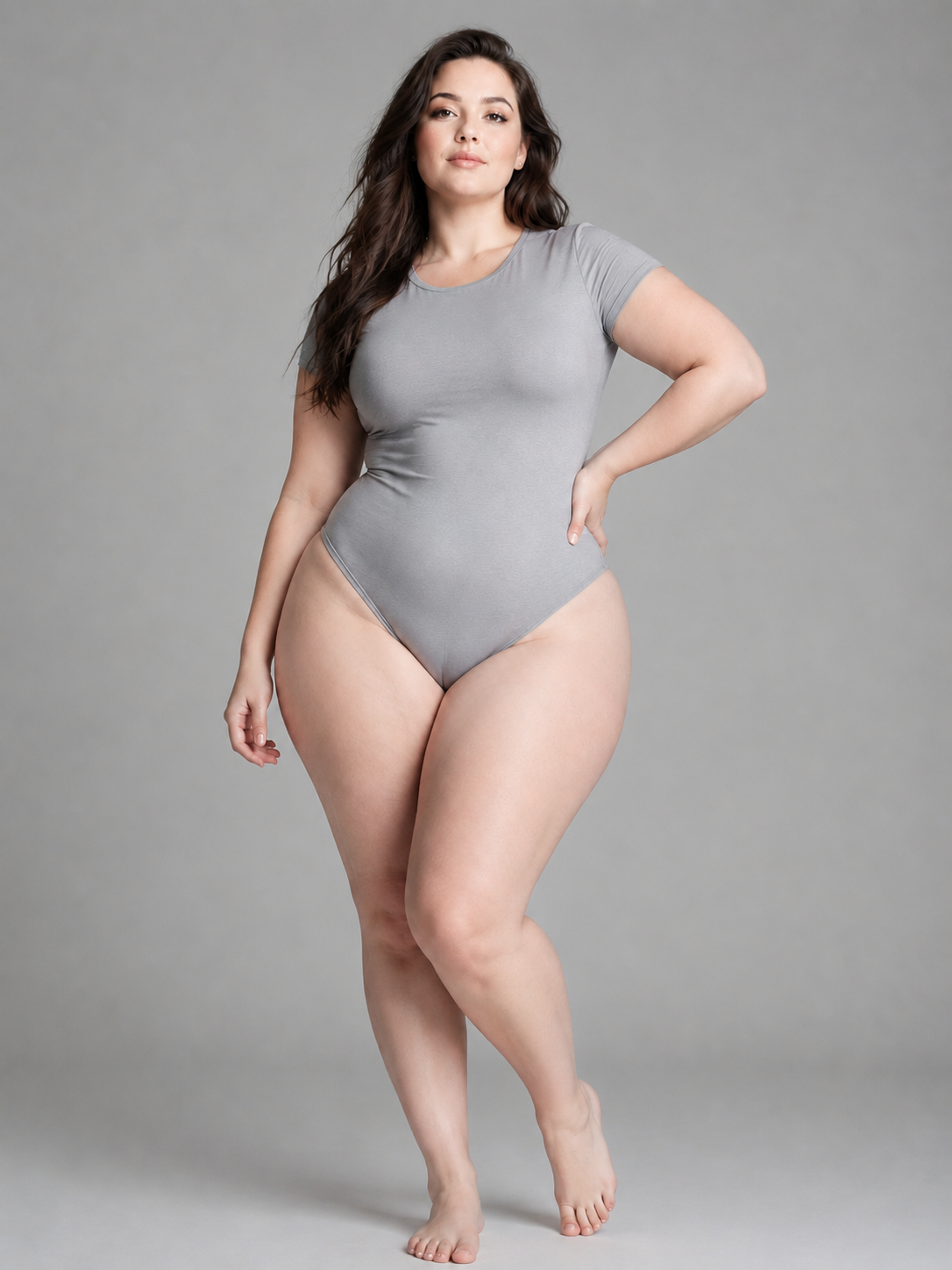 01
01Pear · Fair
Preset model reference
- Source
- Choose by the visible model image, not the label alone
- Setup
- Preset model · front reference
 02
02Apple · Fair
Preset model reference
- Source
- Choose by the visible model image, not the label alone
- Setup
- Preset model · front reference
 03
03Hourglass · Fair
Preset model reference
- Source
- Choose by the visible model image, not the label alone
- Setup
- Preset model · front reference
04Pear · Olive
Preset model reference
- Source
- Choose by the visible model image, not the label alone
- Setup
- Preset model · front reference
 05
05Apple · Olive
Preset model reference
- Source
- Choose by the visible model image, not the label alone
- Setup
- Preset model · front reference
 06
06Hourglass · Olive
Preset model reference
- Source
- Choose by the visible model image, not the label alone
- Setup
- Preset model · front reference
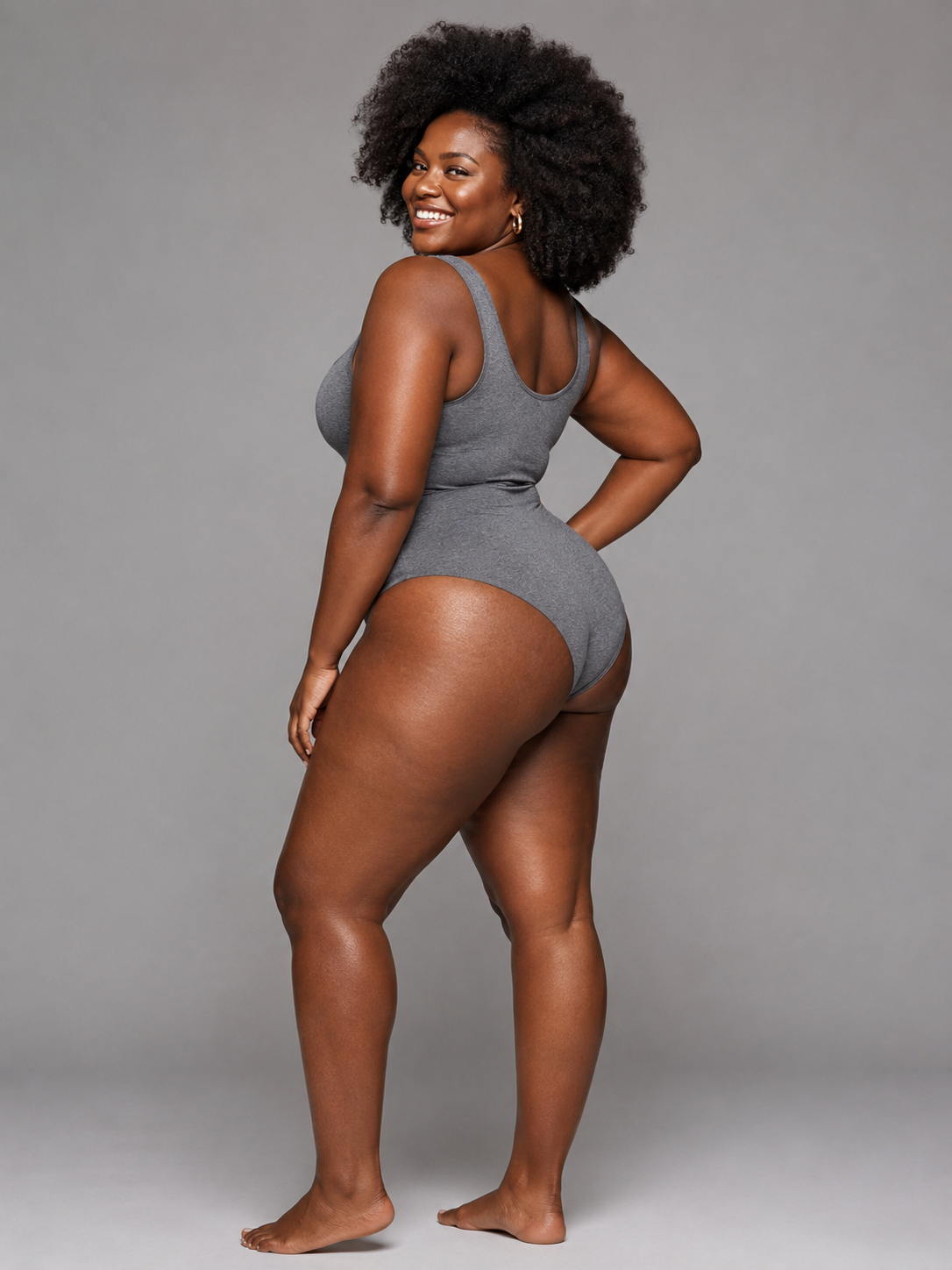 07
07Pear · Dark
Preset model reference
- Source
- Choose by the visible model image, not the label alone
- Setup
- Preset model · front reference
08Apple · Dark
Preset model reference
- Source
- Choose by the visible model image, not the label alone
- Setup
- Preset model · front reference
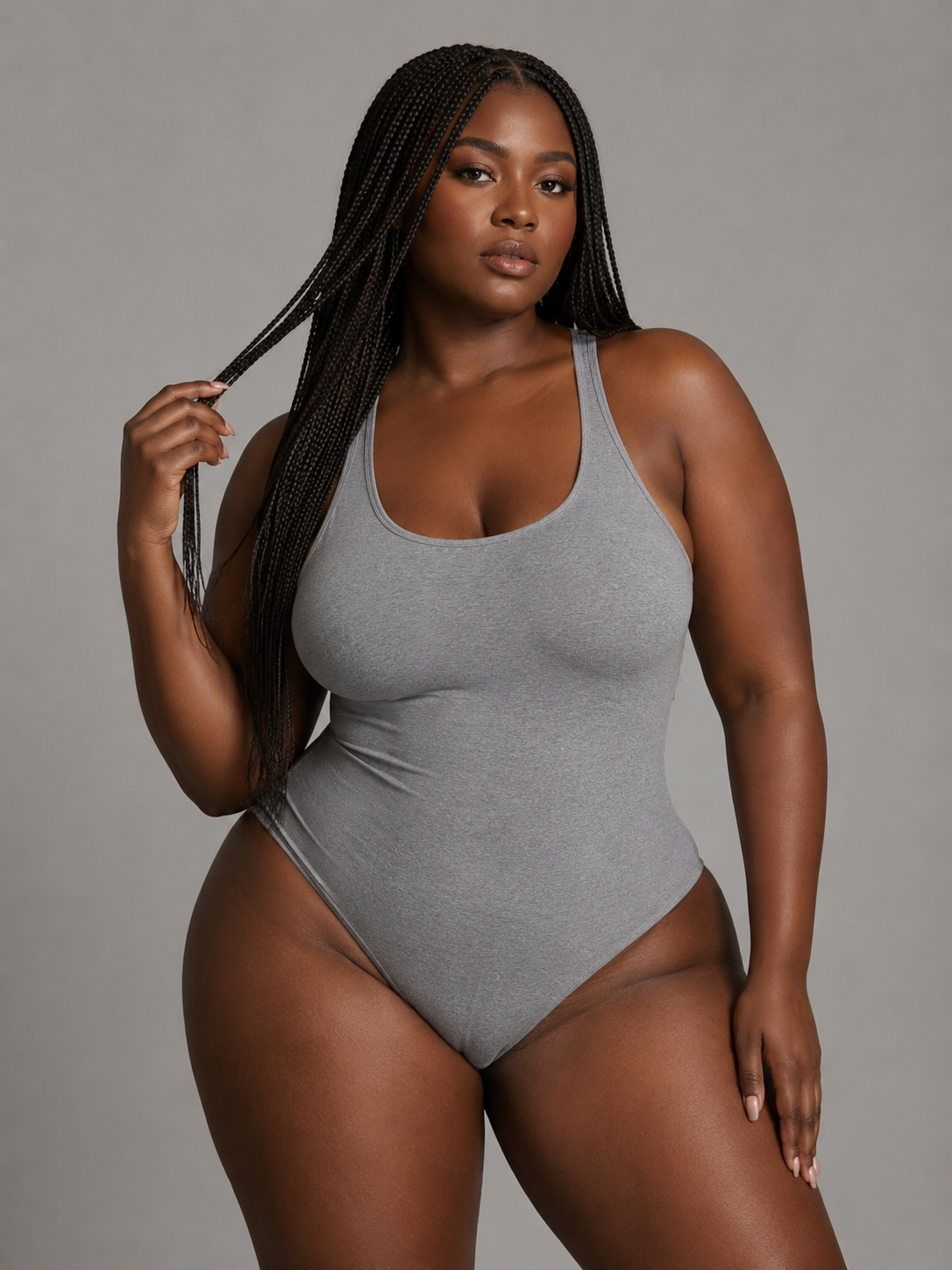 09
09Hourglass · Dark
Preset model reference
- Source
- Choose by the visible model image, not the label alone
- Setup
- Preset model · front reference
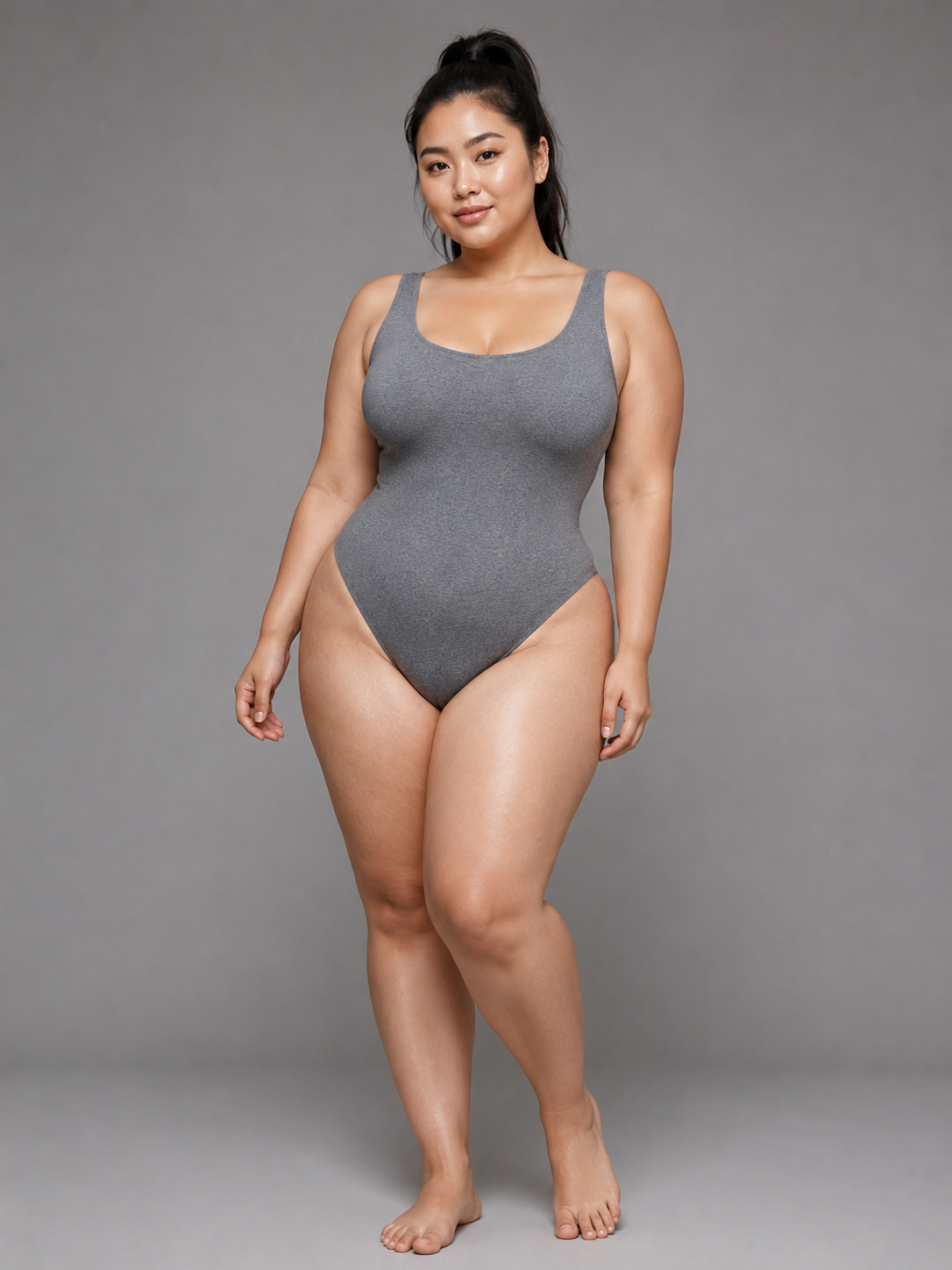 10
10Pear · Asian
Preset model reference
- Source
- Choose by the visible model image, not the label alone
- Setup
- Preset model · front reference
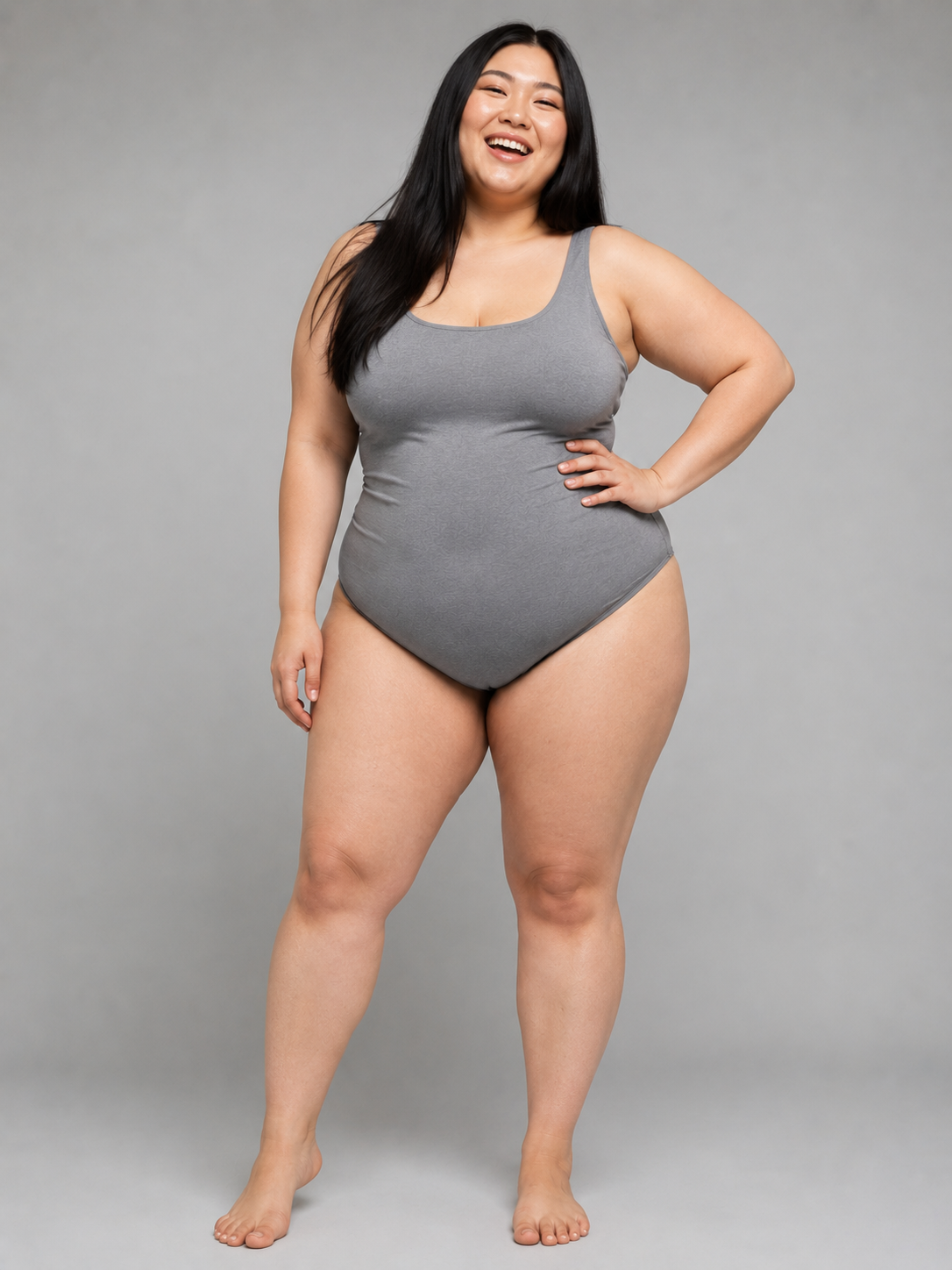 11
11Apple · Asian
Preset model reference
- Source
- Choose by the visible model image, not the label alone
- Setup
- Preset model · front reference
12Hourglass · Asian
Preset model reference
- Source
- Choose by the visible model image, not the label alone
- Setup
- Preset model · front reference
Plus size is not one silhouette
Start with a body direction, then judge the actual image
A generic “curvy model” instruction hides more than it reveals. Larger bodies do not share one waist-to-hip relationship, torso shape, or visual proportion. Plus Looks begins with three broad body-shape directions: pear, apple, and hourglass. Each is available across four skin-tone options, creating a model board the team can inspect before adding a garment.
The labels make selection easier, but they are not sizes, measurements, or complete descriptions of a person. Use them to narrow the visual direction, then look at the model image itself. Ask whether the body, pose, face, and overall presentation fit the collection without reducing the person to a shape label.
A focused model tool should widen the casting conversation, not replace it with another shortcut. If none of the presets match the brief, upload a custom model source. A brand with an established model or campaign character can use that image as the visual base while keeping the same garment and output controls.
The review standard matters
Avoid the stretched-model look and other visual shortcuts
Review the body as carefully as the garment. Look for natural boundaries where fabric meets arms, waist, hips, and legs. Check whether the pose feels physically coherent and whether the crop gives the body enough room. A narrow frame that cuts through curves can undermine the representation even when the generated details look plausible.
Watch for caricature. Exaggerated proportions, overly sexualized posing, or a body treated as a novelty effect do not become inclusive because the image uses a larger model. The plus size AI model generator provides body directions and model choices; the brand remains responsible for selecting images with the same editorial care it would apply to any fashion campaign.
Keep language equally precise. Describe the model direction and the garment presentation. Do not claim that an AI image proves exact drape, physical fit, comfort, or sizing. Those judgments require garment measurements, samples, grading, and real fit work.
The garment needs room to speak
Match framing to the product, not to a default pose
A full-length dress needs a different frame from a blouse or pair of trousers. Plus Looks combines front, back, and side perspectives with full-body, upper-body, and lower-body framing. Choose the view that keeps the garment complete and gives its important construction enough space.
Start with a clear front image. Add a back source when the garment changes meaning from behind through ties, vents, graphics, pockets, or neckline. The plus size AI model generator can work from the visible source, but it cannot reliably recover details hidden by folds, props, crops, or low resolution.
For the first output, use a quiet background and a straightforward frame. That image becomes the review reference. Once the team accepts the garment and body presentation, add a side view or described scene. Separating proof from art direction makes it easier to see whether a later change improves the image or only makes it busier.
Full-body
Use when the entire silhouette and hem need to remain visible.
Upper-body
Give tops, jackets, necklines, and sleeve details more of the frame.
Lower-body
Center trousers and skirts without wasting space above the product.
Front, back, side
Choose the perspective from the garment information customers need.
Representation across the collection
Decide where continuity helps and where variety is honest
A single model across a complete drop can create visual continuity. Several model directions can show that a size-inclusive collection is not imagined around one body. Both choices can work; what matters is that the decision is visible in the shot list rather than left to random generation.
If continuity is the goal, repeat the model, view, background, ratio, and resolution recipe across a small product group. Review the images together before scaling. If variety is the goal, change the model direction while holding the garment presentation steady. This lets the team compare representation without confusing it with a new camera or scene.
The tool is most useful when it supports an editorial decision the brand can name. “More diversity” is too vague to review. “This knitwear group uses two model directions, the same 3:4 front frame, and a neutral studio background” gives the team something concrete to approve or revise.
Trust comes from a bounded claim
Use the image for presentation, not measurement
Generated fashion imagery can help a team explore casting and create candidate product visuals. It cannot tell a shopper which size to buy. Keep measurements, grading, stretch information, size charts, and fit notes in the storefront when they are available.
Before publishing, inspect garment details and body boundaries at full size. Compare the image with the source garment, then compare it with neighboring catalog frames. Reject results that change a print, closure, seam, or silhouette in a way that affects the product claim.
Finally, disclose AI-generated imagery where platform rules, contracts, or brand policy require it. This is a production tool. Clear review and honest use determine whether the output earns trust.
Visual presentation
Appropriate for candidate catalog, lookbook, and campaign images after review.
Product facts
Keep measurements, materials, grading, and size guidance in their verified systems.
Publishing review
Check details, representation, disclosure requirements, and platform rules.
FAQ
Questions about the plus size AI model generator
Which plus-size body shapes are available?
The preset library includes pear, apple, and hourglass body-shape directions. Each is available across four skin-tone options, giving 12 preset model combinations.
Can I upload a real model photo?
Yes. Upload a clear custom model image when the presets do not match the campaign direction or when the brand needs an established model identity.
Does the image show how a size will actually fit?
No. The image is a generated visual, not a measurement or fit prediction. Use size charts, garment specifications, samples, grading, and real fit testing for sizing claims.
Can I create several views of the same garment?
Yes. Choose nine front, back, and side options across full-body, upper-body, and lower-body framing, then review each result for continuity.
Is the plus size AI model generator free to try?
New accounts receive free credits. An account is required, and the available number of generations depends on the selected options and credit balance.
Add the next layer of the production brief
Choose a plus-size model direction deliberately
Start the plus size AI model generator with one garment and one clear frame. Review representation and product detail before adding more variation.