Casting choices built into the image workflow
AI Fashion Model Generator for Clothing Brands
Choose a plus-size model direction, add a garment, and create on-model images for a catalog or campaign. The Plus Looks AI fashion model generator includes 12 preset body-shape and skin-tone combinations, custom model uploads, nine views, and flexible backgrounds.
The model is a production choice
Cast the image before you generate it
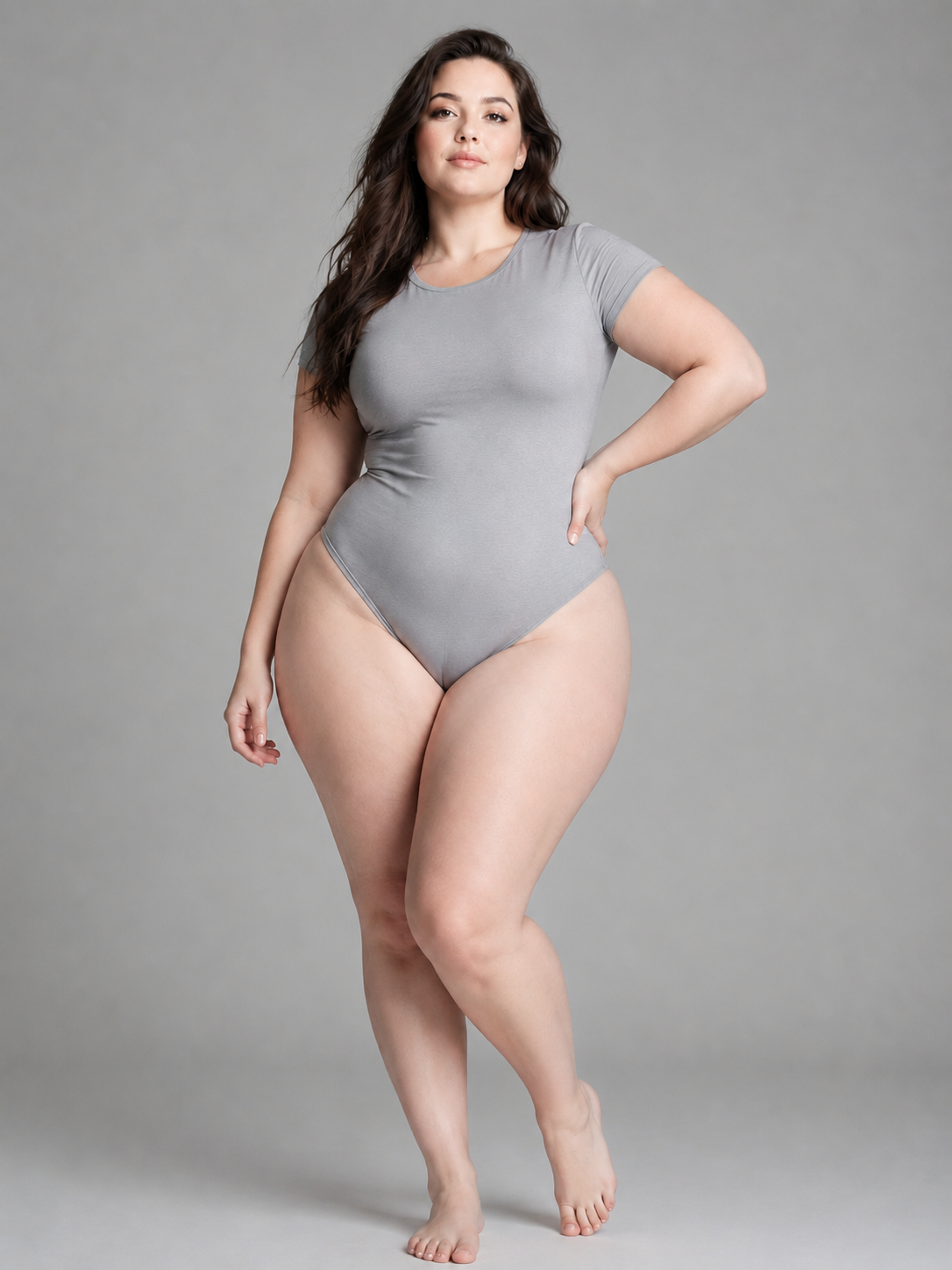
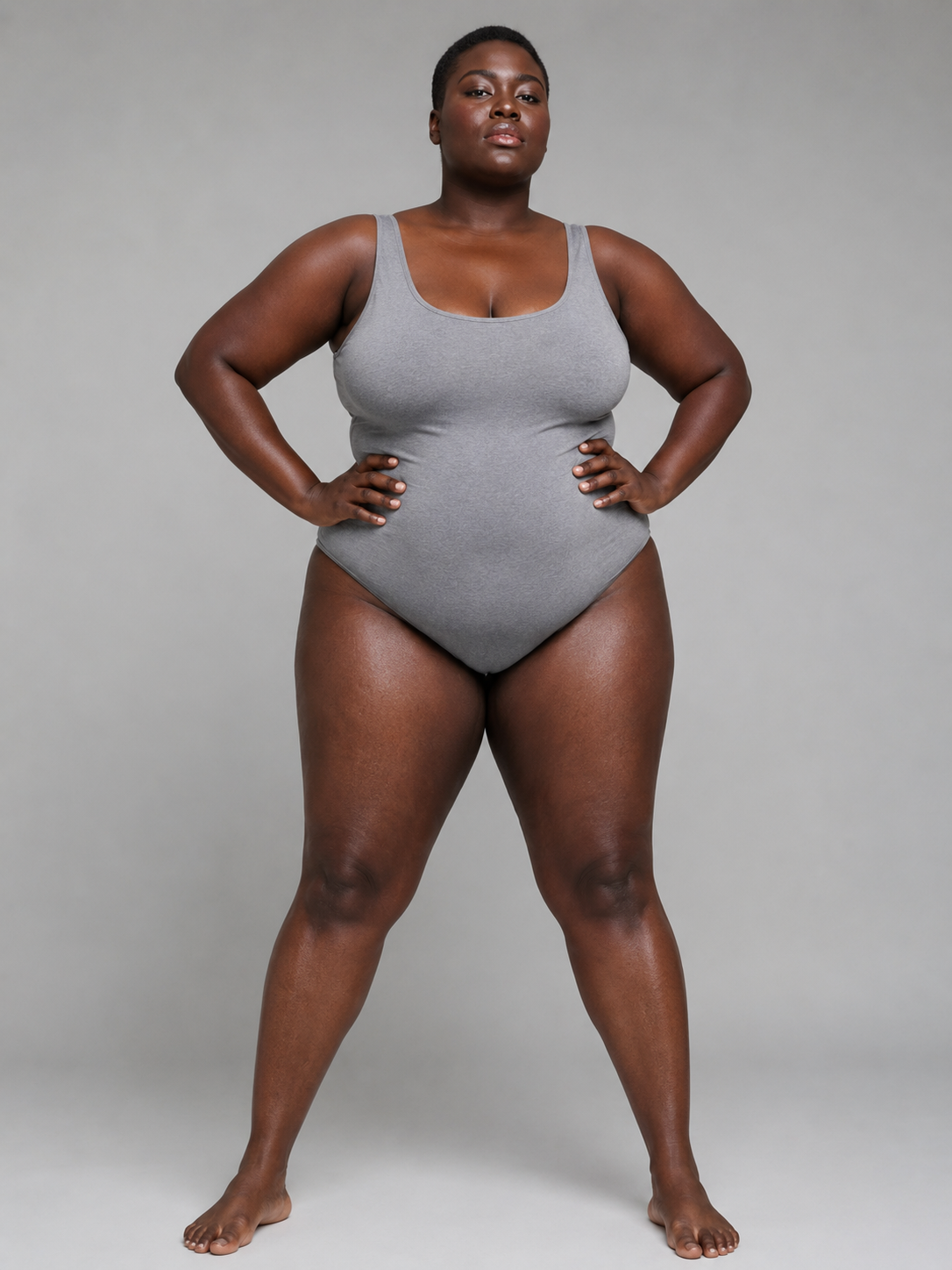
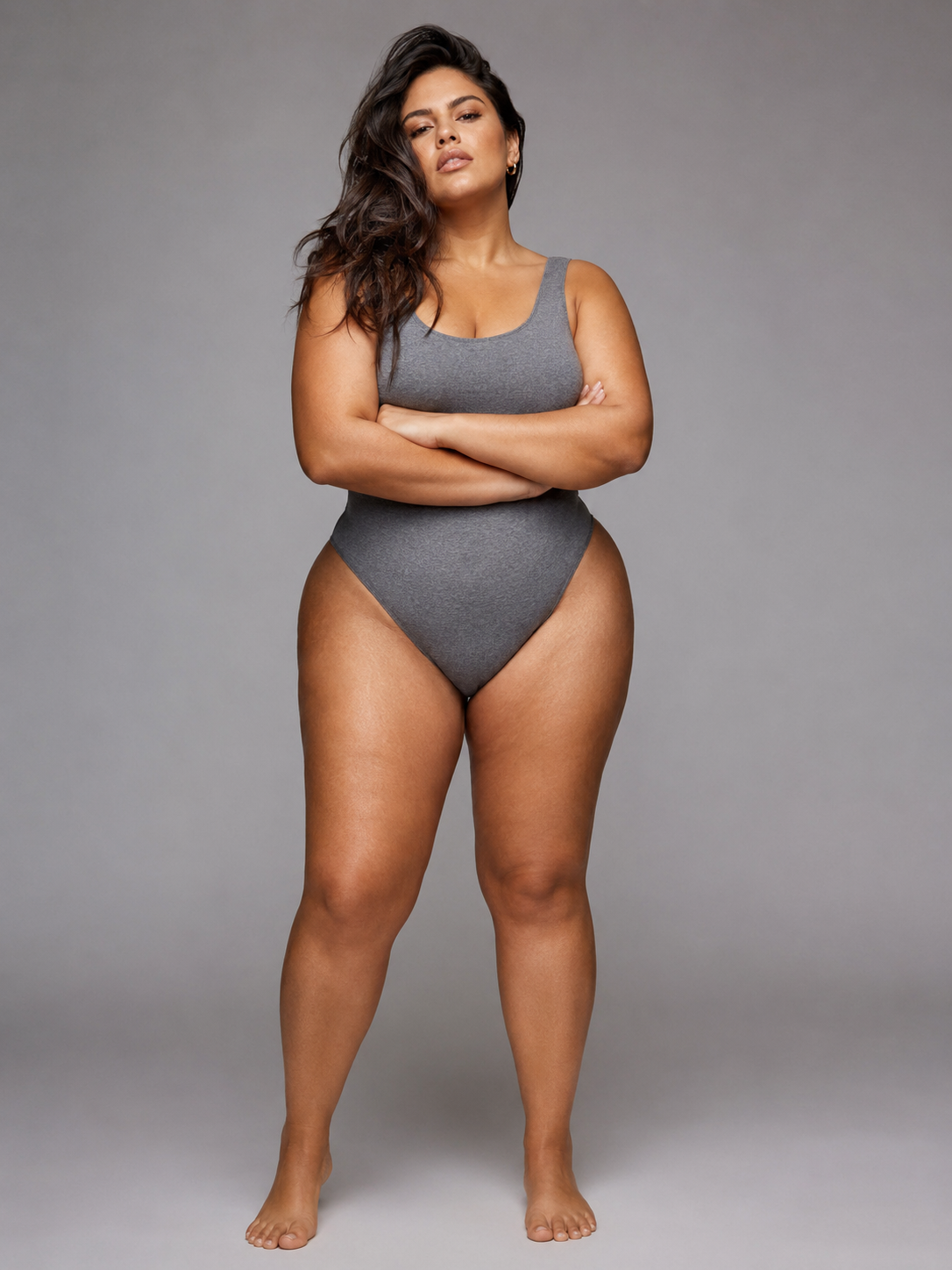
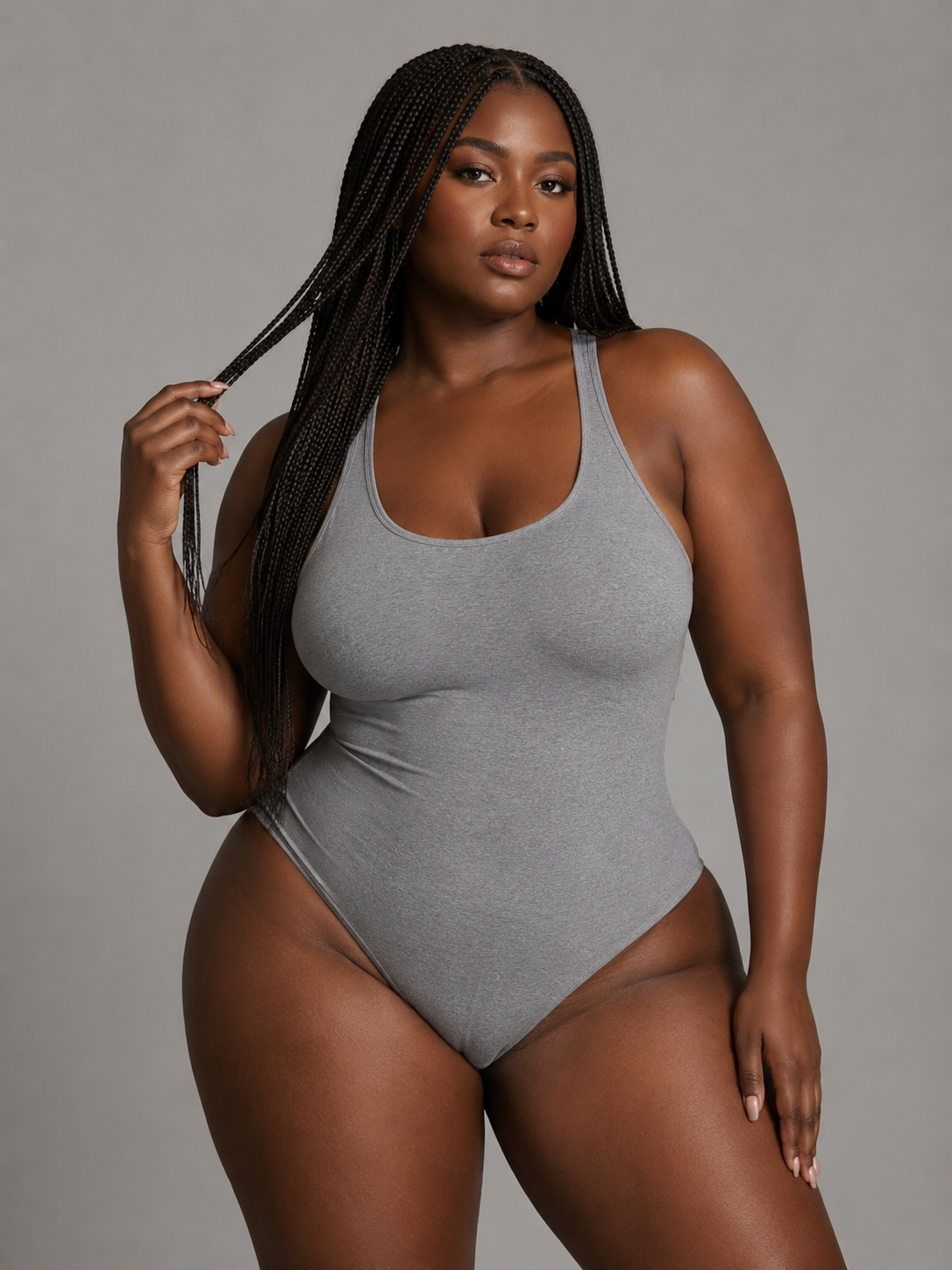
Compare body shape and skin-tone options in one board, then carry the selected model direction into the garment, camera, and background brief.
- plus-size body-shape presets
- 3
- skin-tone directions
- 4
- preset combinations
- 12
- model photo upload
- Custom
A casting board, not a random face button
Choose the model direction the collection needs
A fashion image starts making promises before anyone reads the product name. The model sets scale, mood, audience, and the way a silhouette is perceived. An AI fashion model generator should therefore make casting visible. Plus Looks organizes preset options by pear, apple, and hourglass body shapes across fair, olive, dark, and Asian skin-tone directions, creating 12 combinations that can be reviewed before a garment is generated.
Those labels are practical filters, not measurements or identities. They help a team move from a vague instruction such as “use a diverse model” to a concrete visual direction. Review the actual model image, consider the collection and audience, and avoid treating one preset as a universal stand-in for every customer who shares a broad body-shape label.
When the campaign needs a specific face, pose, or established brand character, upload a custom model photo. Use a clear image with visible body boundaries and a pose that leaves room for the garment. The AI fashion model generator then treats that image as part of the creative source, not as a biometric sizing record.
Pear
A preset body-shape direction available across four skin-tone options.
Apple
A second body-shape direction for a different catalog silhouette.
Hourglass
A third direction that can be repeated across a product group.
Custom model
Upload a model source when the brand needs a particular visual identity.
A recognizable collection uses repeated decisions
Keep the model direction stable across related SKUs
Model consistency is not a single switch. It is the result of reusing the same source and holding several adjacent choices steady: view, crop, background, and general shot purpose. Begin with two or three garments from the same drop. Use one model direction and one clean front-frame recipe. Review those images together before expanding the set.
If the collection needs a front, back, and side view, build that sequence for one garment first. Nine camera options combine perspective and framing, so a team can define a repeatable rule rather than improvise each shot. An upper-body frame may suit tops, while full-body framing carries dresses and complete outfits. The AI fashion model generator supplies the choices; the brand decides which ones become its visual grammar.
Custom backgrounds can add campaign character, but introduce them after the on-model reference is approved. A stable casting and camera setup makes it easier to decide whether a scene helps the product or simply adds noise. This sequencing also gives reviewers a neutral image to return to when a lifestyle result feels off.
The garment still leads
A good model image keeps the SKU readable
The model may attract attention, but the image still has a product job. Use a garment source that shows the full silhouette and important construction. Then select a camera view that gives that category enough space. A dramatic crop that hides the hem or sleeve may work for a campaign detail, but it should not replace the clear product frame.
For prints, logos, lace, buttons, fasteners, and layered details, inspect the generated result at full size. AI output can look plausible while changing a small element. The AI fashion model generator is useful for creating visual candidates; it does not turn a generated image into technical proof of the garment.
The same boundary applies to body presentation. A rendered model can show a design on a chosen body-shape direction, but it cannot certify how a physical size will fit a real shopper. Keep size charts, measurements, samples, and real fit review next to the visual workflow rather than asking one image to do every job.
Free to try, clear about the trade
Test the workflow with signup credits before planning a larger set
New Plus Looks accounts receive free credits. That makes it possible to test the model workflow with a small, representative brief: one garment, one preset model, and one standard output. An account is required, and the available balance limits how many images can be created.
Choose the test garment carefully. A clear silhouette with visible details tells you more about the workflow than a noisy source image. Start at standard resolution, review the garment and model treatment, then decide whether a higher-resolution output or custom model is justified for the next pass.
Paid plans and credit use should be evaluated against a real shot list, not an abstract desire for “more content.” Count the required images per SKU, decide which need custom inputs or 2K output, and use the pricing page to compare monthly and yearly options.
Start small
One clear garment and one preset model reveal the core workflow.
Review the right details
Check garment treatment, body boundaries, hands, crop, and background.
Scale from a recipe
Repeat an approved model, view, ratio, and background direction.
Casting deserves an approval standard
Review representation as carefully as garment detail
Ask whether the selected model direction belongs with the collection, whether the image avoids caricature, and whether the body is presented with the same care given to straight-size fashion imagery. A larger body should not be treated as a novelty effect or stretched version of another frame.
Then review continuity. Compare face, hair, body direction, pose, crop, and lighting across the set. If continuity matters more than variety, change fewer inputs. The AI fashion model generator can create the source material for a coherent collection, but coherence still comes from selection and editing.
FAQ
Questions about the AI fashion model generator
Which plus-size model options are included?
Plus Looks includes pear, apple, and hourglass body-shape directions across fair, olive, dark, and Asian skin-tone options, for 12 preset combinations.
Can I upload my own fashion model?
Yes. Upload a clear custom model photo when a campaign needs a specific face, pose, or brand character. Custom input may use additional credits.
Can one model be used across several garments?
You can reuse the same model direction and repeat camera, background, ratio, and resolution choices. Review each output because generated details can still vary.
Is the AI fashion model generator free?
It is free to try with signup credits. An account is required, and generation limits depend on your credit balance and selected options.
Does a generated model predict garment fit?
No. It creates a visual presentation, not a measurement-based fit prediction. Use real specifications, samples, grading, and fit testing for sizing decisions.
Choose one model direction and test it on a real SKU
Start with the garment your team knows best. A familiar product makes the first review more useful.